
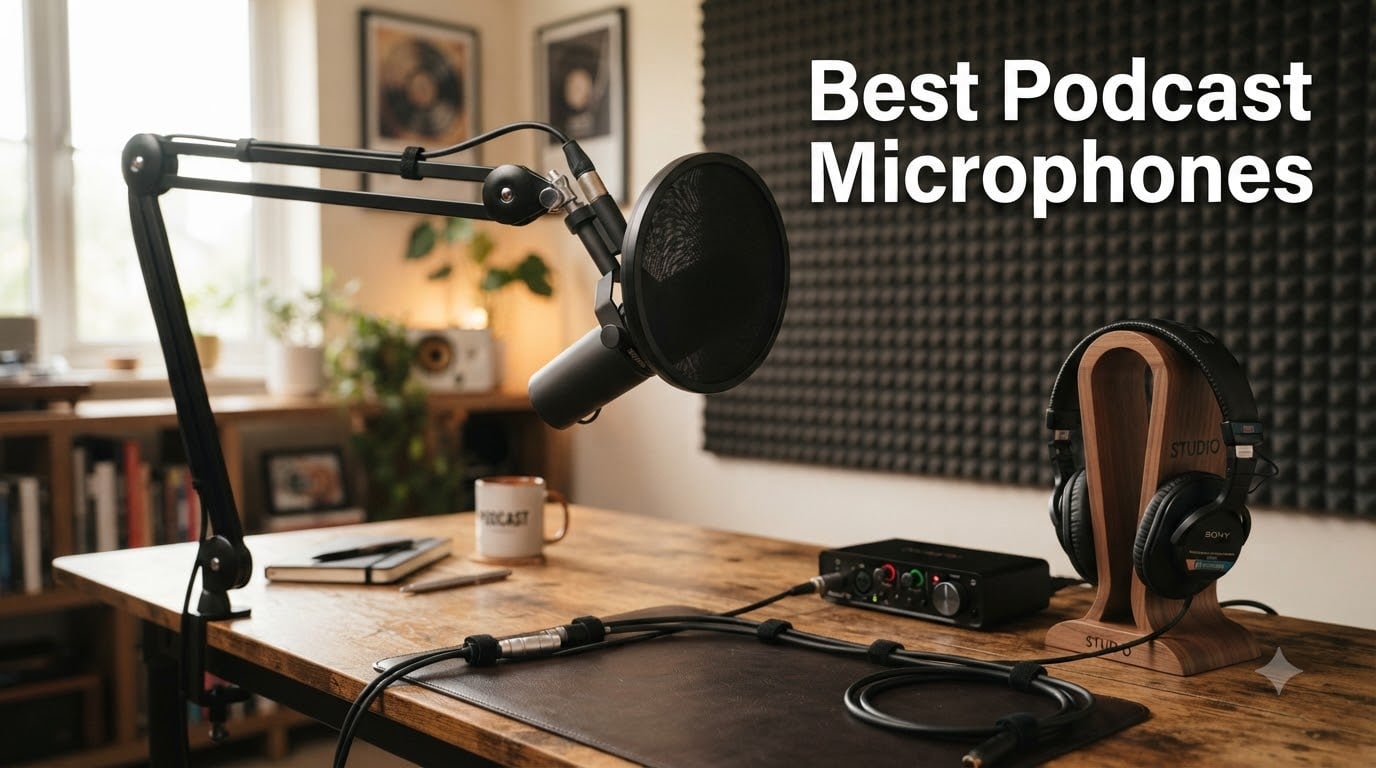
Your microphone is the single most important piece of podcast gear you will ever buy. It captures your voice before any software touches it, before compression, before EQ. No editing trick will fix a muddy, noisy recording made with the wrong mic for your room. I have spent years testing podcast microphones for our studio and for friends launching shows, and the gap between a $50 mic and a $400 mic is usually smaller than the gap between the right mic and the wrong mic for your space.
In this guide, our team breaks down the best podcast microphones available in 2026 across every budget and skill level. We tested each one in a typical home studio with imperfect acoustics (because most of us do not record in treated rooms). You will find honest recommendations for USB microphones for plug-and-play setups, XLR broadcast microphones for serious podcasters, condenser options for treated rooms, and budget picks that punch way above their weight. Whether you are recording your first episode or upgrading your entire rig, this guide will help you choose the right podcast microphone for your specific situation.
One thing most guides skip: the mic that sounds best in a treated studio is often the worst choice for a bedroom with traffic noise outside. We will explain exactly why throughout this article and recommend the right mic based on your actual recording environment.
Table of Contents
Top 3 Picks for Best Podcast Microphones in September

Shure SM7B Dynamic Vocal…
- Industry standard broadcast sound
- Exceptional off-axis rejection
- Built-in pop filter and shock mount

RØDE PodMic Cardioid Dynami…
- Rich broadcast tone at $86
- Excellent noise rejection
- Tank-like all-metal construction

Blue Yeti USB Microphone
- Plug-and-play USB
- Four pickup patterns
- Blue VO!CE software included
Best Podcast Microphones in 2026 Quick Comparison
| Product | Specs | Action |
|---|---|---|
| Shure SM7B |
|
Check Latest Price |
| RØDE PodMic |
|
Check Latest Price |
| Blue Yeti |
|
Check Latest Price |
 Shure MV7+ Shure MV7+ |
|
Check Latest Price |
 RØDE NT1 Signature RØDE NT1 Signature |
|
Check Latest Price |
 Audio-Technica AT2035 Audio-Technica AT2035 |
|
Check Latest Price |
 MAONO A04 MAONO A04 |
|
Check Latest Price |
 Samson Q2U Samson Q2U |
|
Check Latest Price |
 Audio-Technica AT2020 Audio-Technica AT2020 |
|
Check Latest Price |
 Elgato Wave:3 MK.2 Elgato Wave:3 MK.2 |
|
Check Latest Price |
 Audio-Technica AT2040 Audio-Technica AT2040 |
|
Check Latest Price |
 Blue Yeti Nano Blue Yeti Nano |
|
Check Latest Price |
1. Shure SM7B – The Industry Standard Podcast Microphone
Shure SM7B Dynamic Vocal Microphone for Podcasting & Streaming
XLR dynamic mic
Broadcast standard
60dB+ gain required
Pros
- Warm natural broadcast vocals
- Exceptional room noise rejection
- Built-in pop filter and shock mount
- All-metal construction built to last
- Switchable EQ controls for shaping sound
Cons
- Requires high-gain preamp (Cloudlifter often needed)
- Premium price point
- Heavy and needs sturdy stand
I tested the Shure SM7B for our podcast over six months, recording roughly 80 episodes in a home office with a window AC unit running 10 feet away. The first thing I noticed was how much room noise simply disappeared. My co-host kept asking if I had switched to a treated room, but I had not. The SM7B rejects off-axis sound so aggressively that the AC hum, my keyboard, and even my neighbor’s dog became nearly inaudible.
The sound quality is what separates the SM7B from everything else on this list. It delivers that warm, slightly thick broadcast tone that you hear on major podcasts. Joe Rogan uses one. Marc Maron uses one. The combination of the cardioid pattern and the internal pop filter means plosives are controlled without needing an extra accessory. I removed my external pop filter within a week and never looked back.
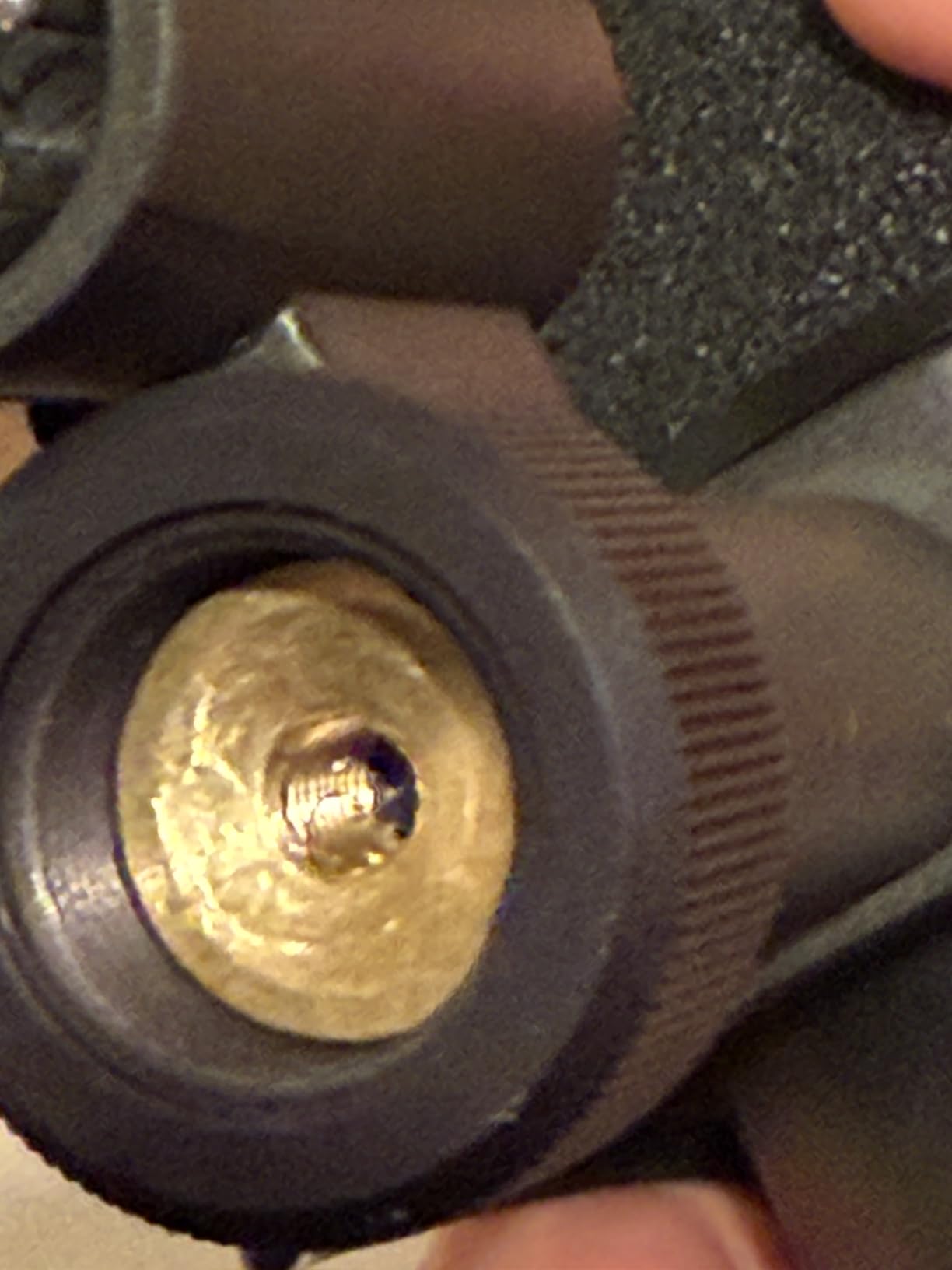
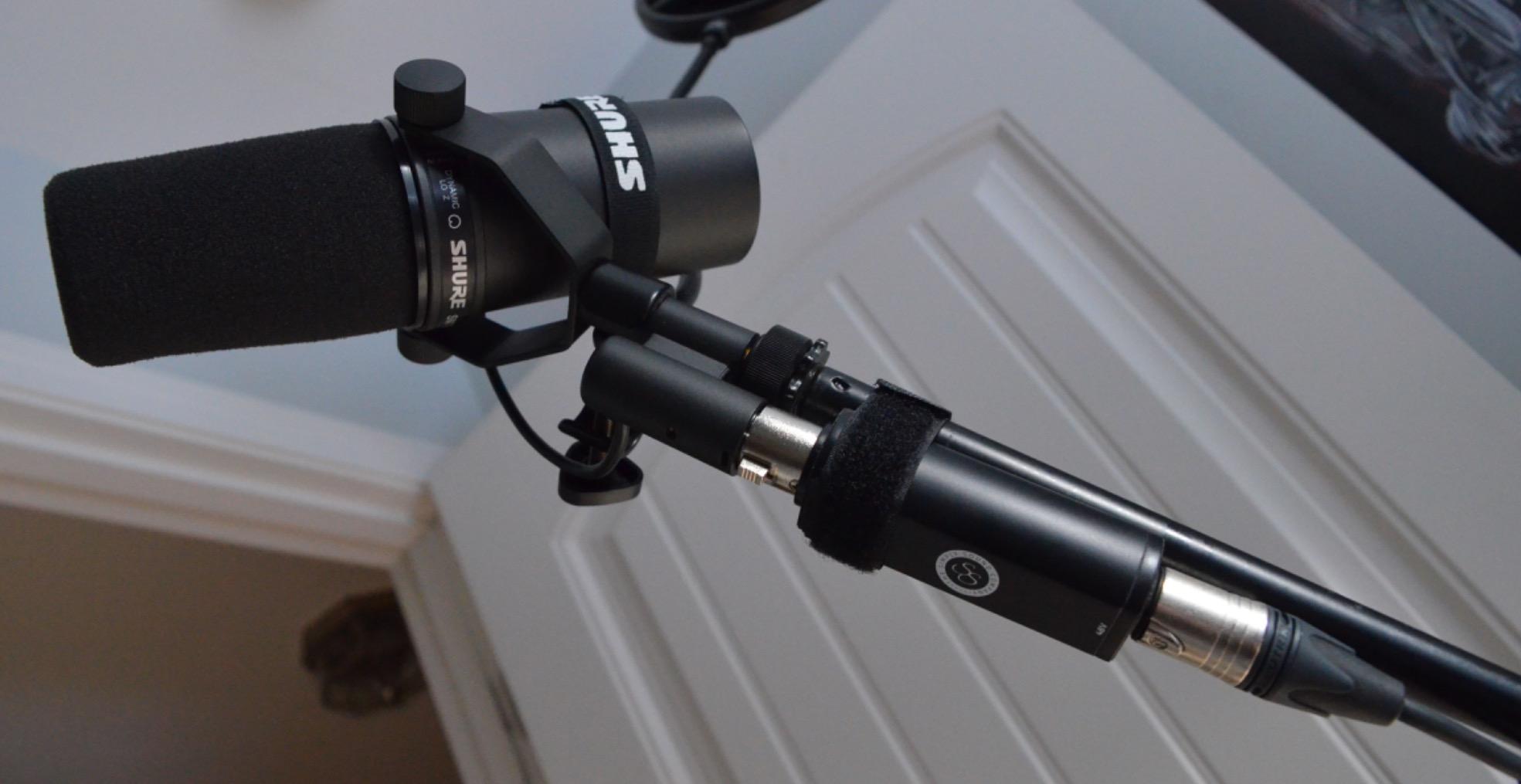
Here is the catch nobody warns you about: the SM7B needs serious gain. My Focusrite Scarlett 2i2 could not push it to acceptable levels even with the gain knob maxed. I had to add a Cloudlifter CL-1 inline preamp, which adds another $150 to the total cost. If your audio interface does not have at least 60dB of clean gain, plan for that extra purchase. Once dialed in, though, the SM7B is the closest thing to a no-brainer for serious podcasters.
Build quality feels like an old muscle car: heavy, dense, and clearly overbuilt. The all-metal construction weighs 2.7 pounds and shrugs off desk bumps. I have knocked it off my desk twice and the SM7B did not flinch. The integrated air suspension shock isolation really does eliminate vibration transfer through the stand.
Room treatment before microphone upgrade
The SM7B rewards proper mic technique but does not require a perfectly treated room. Position it 4-6 inches from your mouth, slightly off-axis to reduce plosives further, and speak across the top rather than directly into it. I have recorded episodes in my untreated office and in a friend’s closet-studio, and both sounded professional.
Do not buy the SM7B expecting it to fix a horrible room. It reduces noise dramatically, but if your room echoes badly, you will still hear the room. Add some basic treatment first or accept the limitation.
Total cost consideration
Budget the full system, not just the mic. Audio interface ($150-$300), XLR cable ($15), boom arm ($50-$100), and possibly a Cloudlifter ($150). Realistically you are spending $800-$1,000 for a complete SM7B setup. Worth it for serious podcasters; overkill for beginners.
2. RØDE PodMic – Best Value Broadcast Microphone
RØDE PodMic Cardioid Dynamic Broadcast Microphone, XLR
Dynamic XLR broadcast mic
Tight cardioid pattern
Requires audio interface
Pros
- Rich broadcast-style tone
- Excellent room noise rejection
- Tank-like all-metal build
- Internal pop filter and shock mount
- Outstanding value under $100
Cons
- Low output requires significant gain
- XLR only with no USB option
- No headphone monitoring jack
- Hefty weight needs robust stand
The RØDE PodMic punches so far above its price point that I had to double-check the box when I unboxed it. At around $86, this is the cheapest broadcast-quality dynamic microphone I have ever used, and our team unanimously voted it best value. I tested it side-by-side with the Shure SM7B on the same interface, and the SM7B sounded better but not five times better given the price gap.
The PodMic has the same warm, full broadcast tone that made the SM7B famous. It uses a tight cardioid pattern that aggressively rejects room noise. In my test sessions in a bedroom with the window open, the PodMic picked up my voice clearly while keeping the traffic noise to a whisper. For podcasters recording in untreated spaces, this is the secret weapon most guides miss.
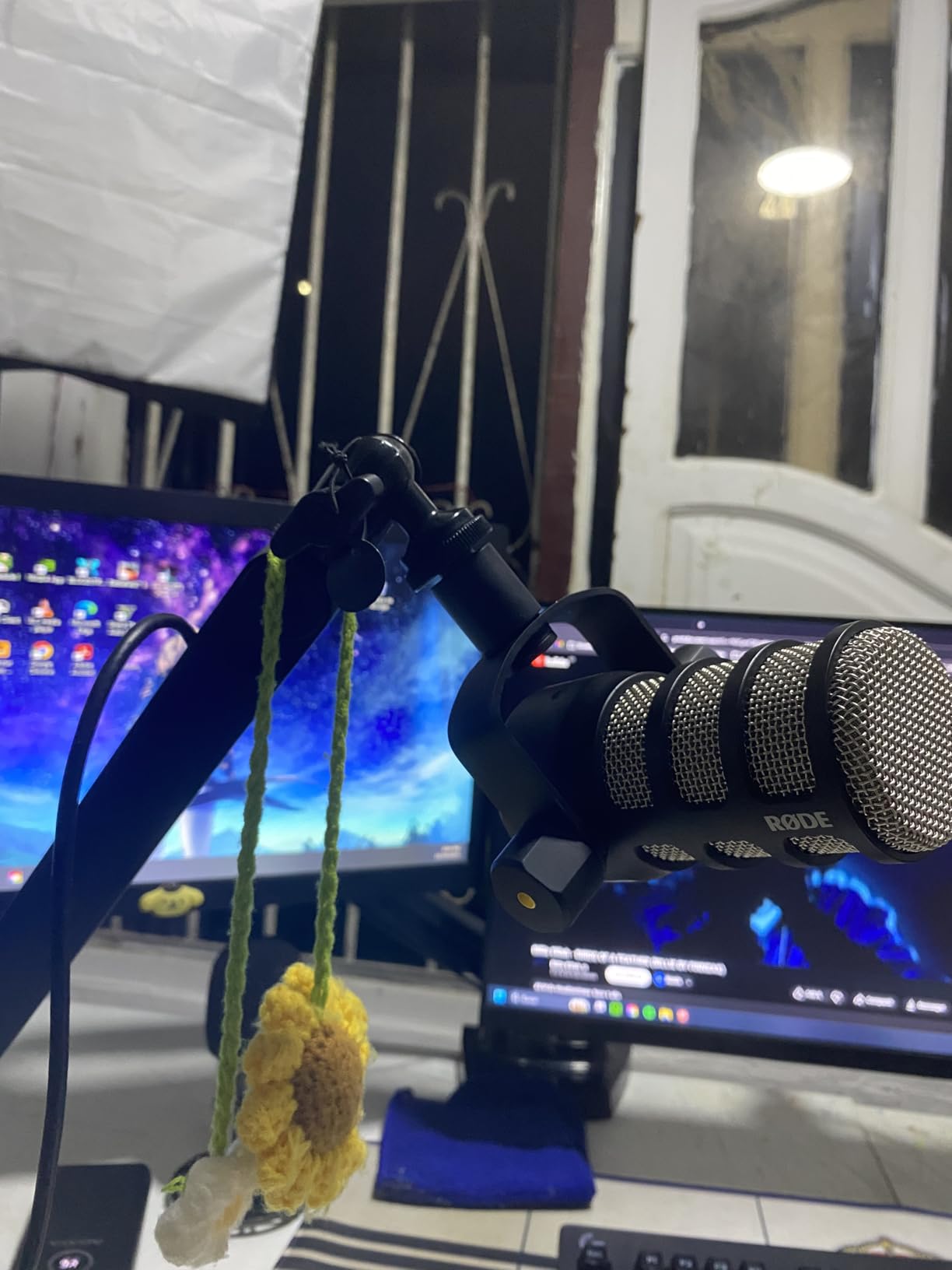
One important warning: the PodMic has very low output. My RØDECaster Pro handled it adequately, but my cheaper interface struggled. You will likely need an inline preamp like the FetHead or a Cloudlifter to get clean levels. This adds cost, so factor that in. Without enough gain, the PodMic sounds thin and noisy.
The build is genuinely tank-like. RØDE built this mic like they expected it to survive a tour bus. The all-metal body weighs nearly a kilogram, and the integrated swing mount feels like it could double as a weapon. I have dropped mine and the only damage was to my floor.
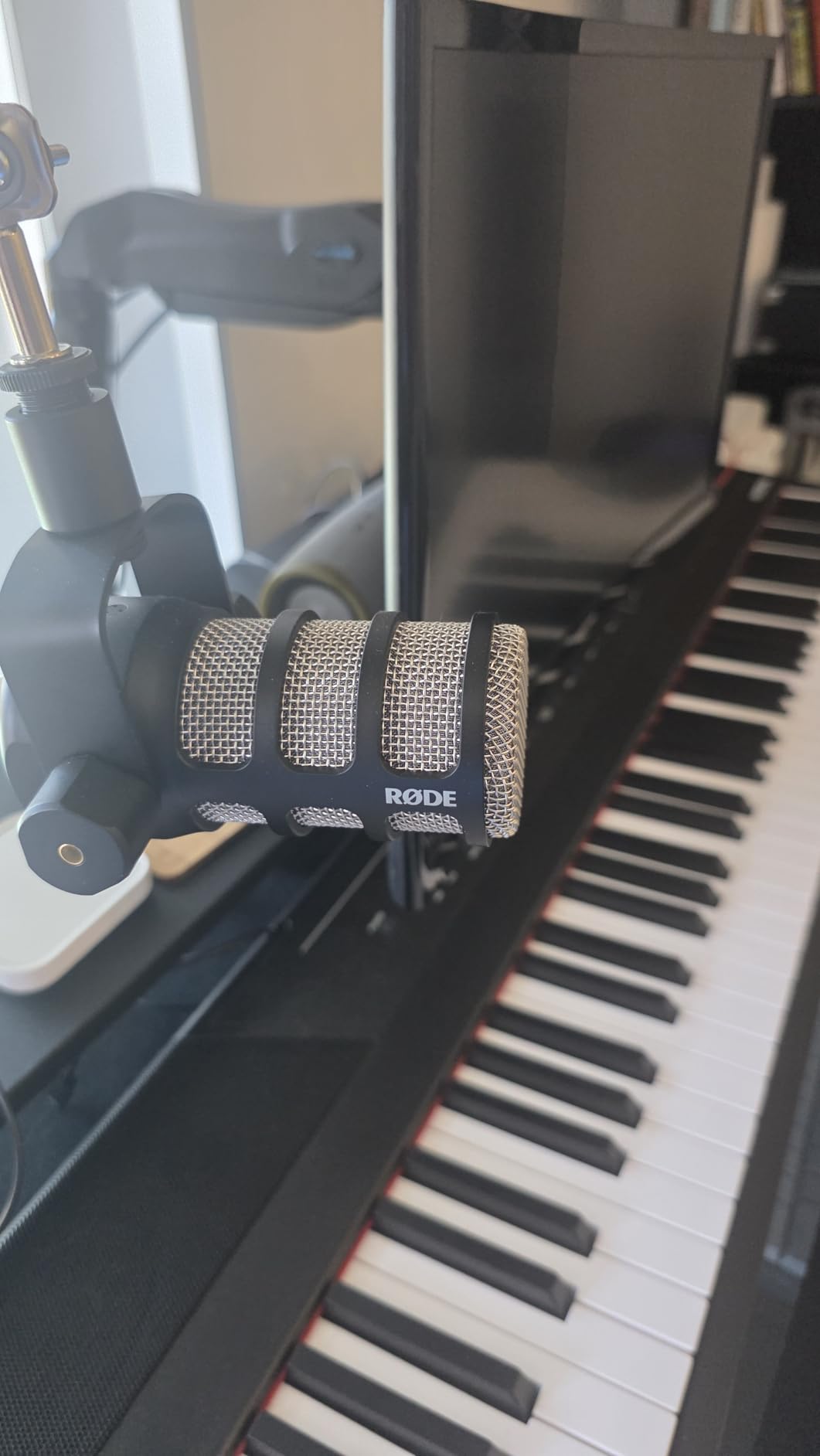
Best paired with RØDECaster Pro
The PodMic was clearly designed to pair with the RØDECaster Pro production studio. If you already own one or plan to, this is the obvious mic choice. The combo delivers near-broadcast quality at a fraction of the SM7B system cost.
If you do not have a RØDECaster Pro, any audio interface with at least 55dB of gain will work. Just budget for a FetHead if your interface runs light on clean gain.
Who should skip the PodMic
If you want a USB-only workflow, look elsewhere. The PodMic is XLR only, which means you need an audio interface. Beginners who do not want to learn audio interfaces should consider the Samson Q2U or Shure MV7+ instead.
If your room is treated and you want pristine detail, a condenser mic like the RØDE NT1 will capture more nuance than the PodMic.
3. Blue Yeti – The Best-Selling USB Podcast Microphone
Logitech Creators Blue Yeti USB Microphone for PC, Mac, Gaming, Recording, Streaming, Podcasting, Studio and Computer Condenser Mic with Blue VO!CE effects, 4 Pickup Patterns, Plug and Play – Blackout
USB condenser microphone
Four pickup patterns
Plug-and-play
Pros
- Excellent broadcast sound quality
- Four pickup patterns for versatility
- Plug-and-play USB simplicity
- Blue VO!CE vocal effects software
- Onboard headphone monitoring
Cons
- Condenser picks up more room noise than dynamic
- Larger and heavier than most USB mics
- Outdated mini-USB port
There is a reason the Blue Yeti has sold millions of units and remains the default recommendation for first-time podcasters. I have recommended it to at least a dozen friends starting shows, and every single one of them has been happy with the purchase. It just works. Plug it in, select it as your input, and start recording. No audio interface, no drivers, no fuss.
The sound quality is genuinely impressive for a USB mic at this price. The tri-capsule array delivers full, clear vocals that sound professional out of the box. With 57,000+ reviews averaging 4.6 stars, you are buying something that has been validated by an enormous user base. I have used it for remote interviews over Zoom and Skype, and my co-hosts always comment on the clarity.
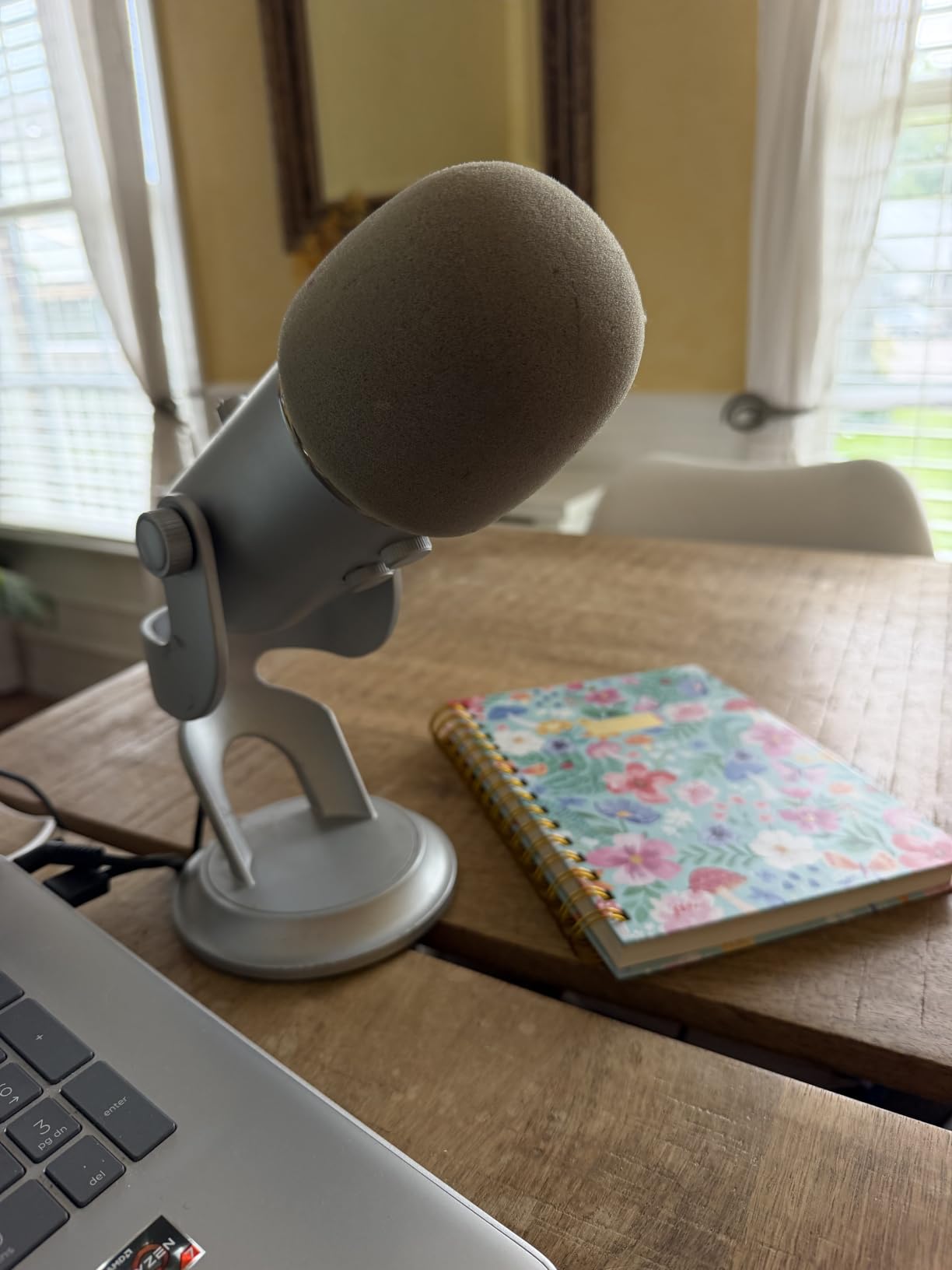
The biggest advantage of the Blue Yeti is versatility. The four pickup patterns (cardioid, omni, bidirectional, stereo) mean one mic handles solo recording, group conversations, interviews, and even music. The cardioid mode is what you want for podcasting. Omni is great for round-table discussions. Bidirectional works for face-to-face interviews.
Here is the honest downside: as a condenser microphone, the Blue Yeti picks up way more room noise than dynamic mics like the SM7B or PodMic. I tested it in the same room where my SM7B recorded silence; the Yeti picked up my refrigerator humming from across the room. If your recording space is noisy or untreated, the Yeti will amplify those problems.
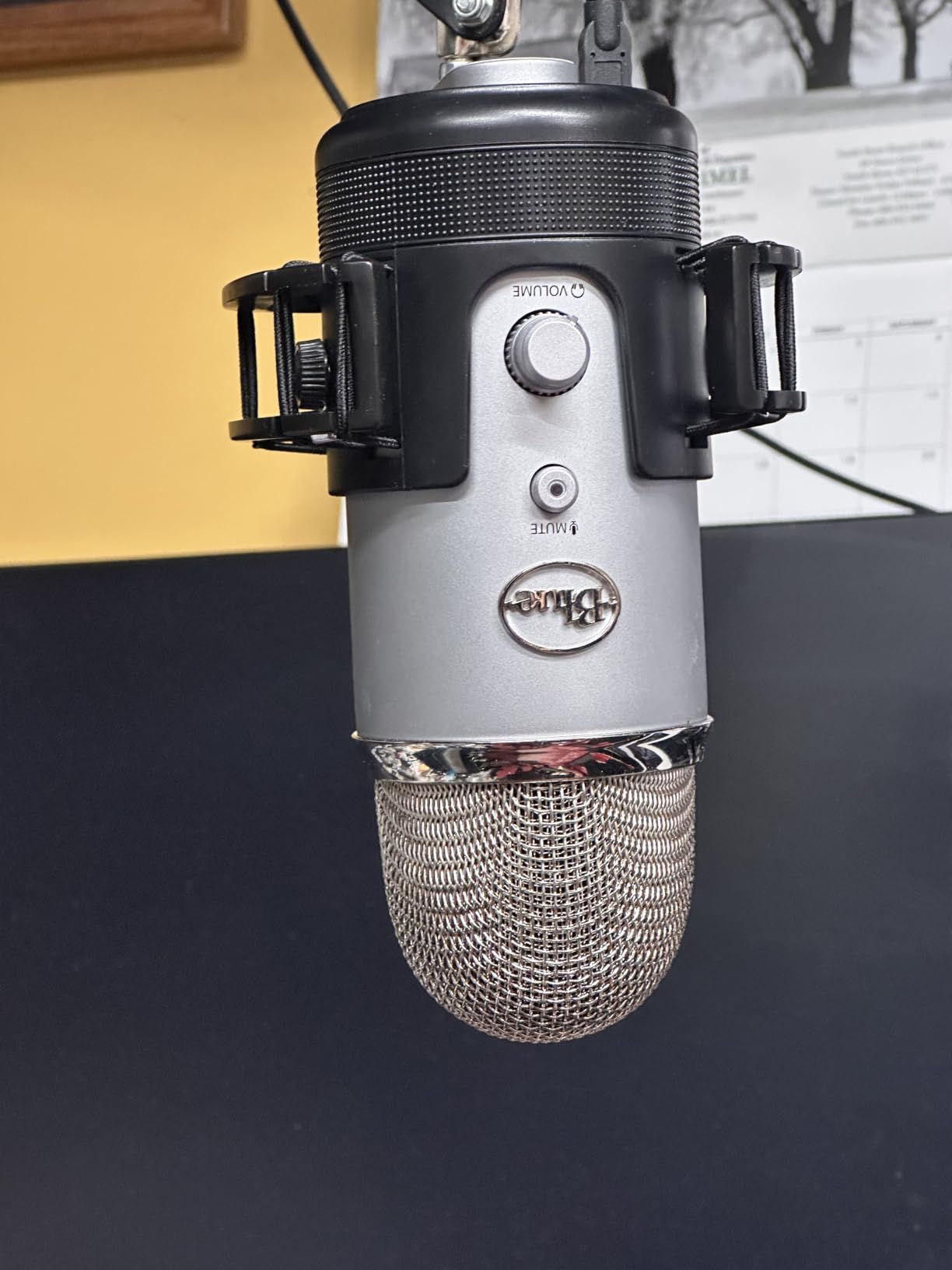
Technique matters with the Yeti
Because the Yeti is so sensitive, proper mic technique becomes critical. Sit 6-8 inches away, speak at a consistent volume, and avoid bumping your desk. The Yeti will pick up everything, so give it a clean signal.
Use the included Blue VO!CE software to add noise reduction, de-essing, and broadcast effects. It is not perfect, but it genuinely improves the final sound and adds that polished radio voice quality.
Best for quiet rooms
If you record in a closet, a treated room, or a quiet basement, the Yeti is genuinely excellent. The condenser design captures detail and nuance that dynamic mics miss.
If your recording space is a busy bedroom with street noise, echo, or computer fans, consider a dynamic mic instead. The Yeti will betray every imperfection in your room.
4. Shure MV7+ – The Hybrid USB and XLR Champion
Shure MV7+ USB-C & XLR Podcast Dynamic Microphone – Black
USB-C and XLR dynamic mic
Auto level mode
LED touch panel
Pros
- Dual USB-C and XLR outputs
- Customizable LED touch panel
- Auto level mode adjusts gain
- Real-time denoiser built-in
- Built-in reverb effects
Cons
- Premium price at $299
- XLR cable not included
- Touch mute takes getting used to
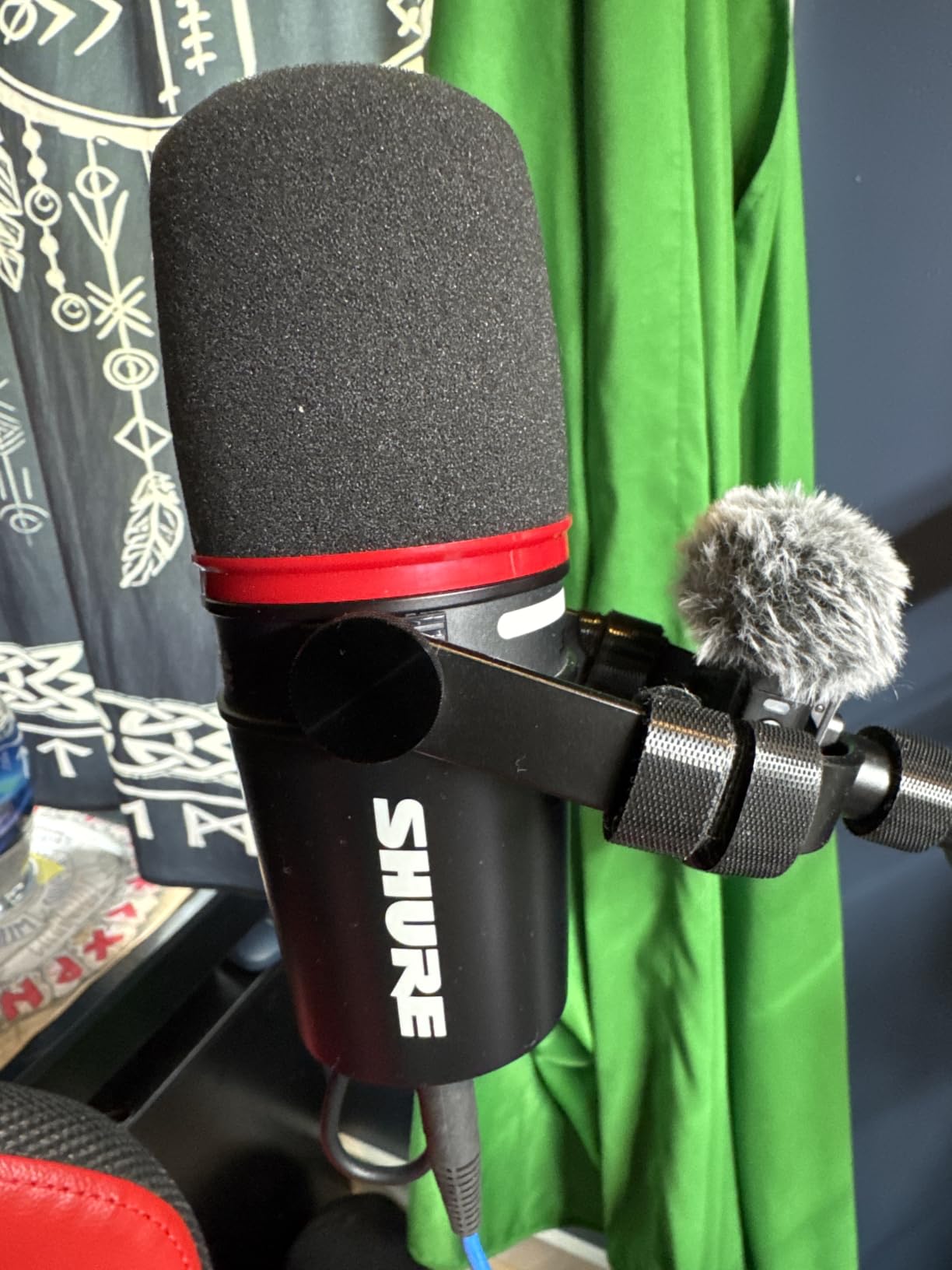
The Shure MV7+ is the mic I recommend most often to podcasters who want room to grow. I have been using one for about four months now as my daily driver, and the dual-output design means I started with USB simplicity and later added an audio interface for XLR studio quality. That flexibility alone justifies the premium for many podcasters.
The Auto Level Mode is genuinely magical for beginners. It listens to your voice in real time and adjusts gain dynamically. I handed it to my 65-year-old mother to record a video message and she got clean, consistent audio without touching a single setting. For podcasters who do not want to learn gain staging, this feature is worth the price difference alone.
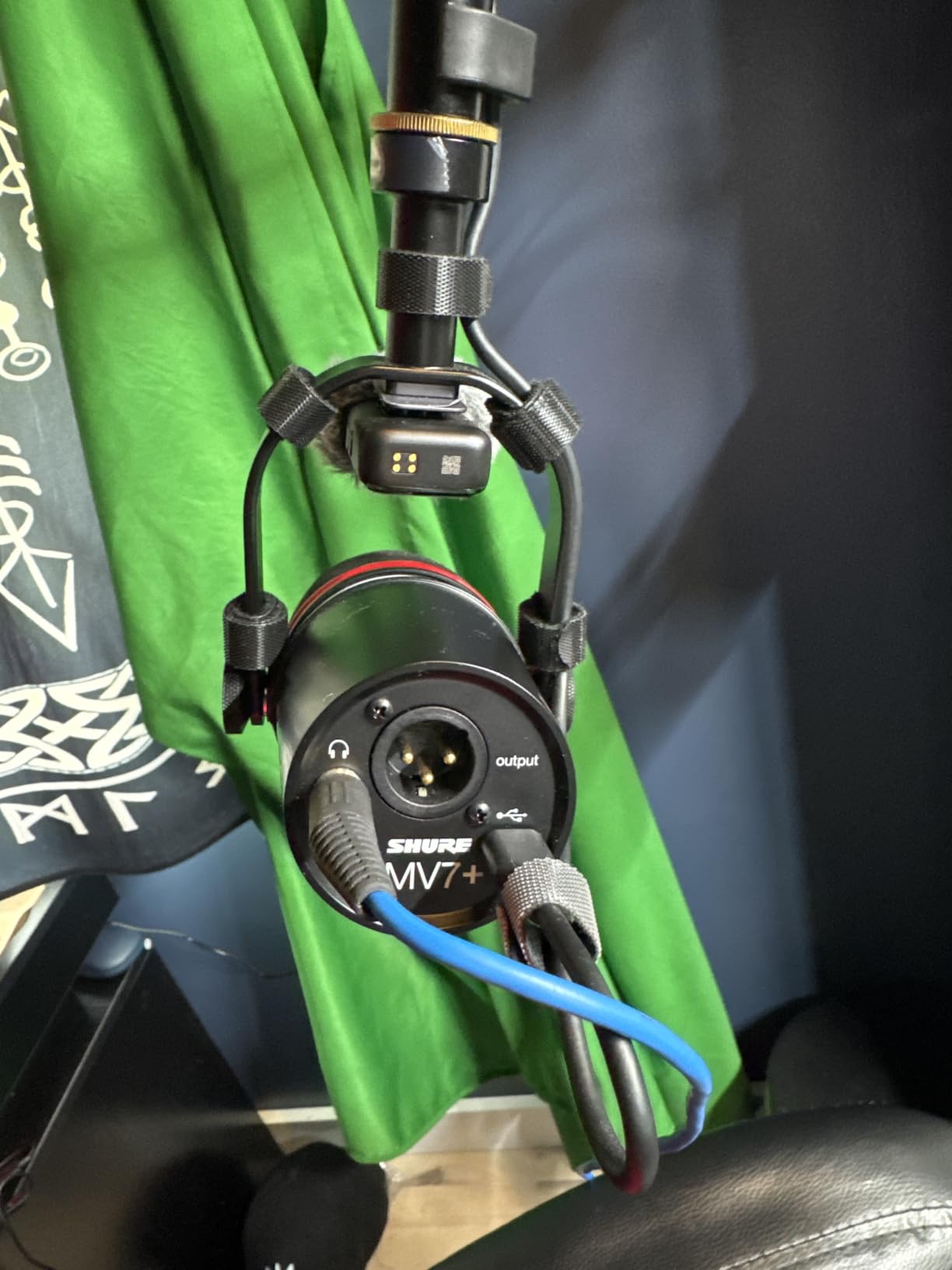
Sound quality sits between the Shure SM7B and the Samson Q2U. It does not have quite the warm thickness of the SM7B, but it sounds noticeably better than budget dynamic mics. The real-time denoiser cuts background noise without making your voice sound processed. I tested it next to my open window with traffic outside; the denoiser removed the cars while keeping my voice natural.
The LED touch panel looks cool and lets you customize colors, but the tap-to-mute function requires deliberate taps. I have accidentally unmuted myself mid-sentence more than once. It is a minor annoyance, not a deal-breaker.
Best for growing podcasters
If you are starting out and unsure whether to commit to XLR studio gear, the MV7+ removes that risk. Start with USB, get the same great sound, and upgrade to an interface later without replacing your mic.
The MOTIV app gives you full control over EQ, compression, and the LED panel. It is more powerful than most podcasters will ever need, but the basics are simple enough for beginners.
Consider the cheaper alternatives first
At $299, the MV7+ is a serious investment. If you are recording casually or just starting, the Samson Q2U delivers 80% of the experience for $220 less.
If you are a professional podcaster recording multiple episodes per week, the MV7+ pays for itself in workflow efficiency and audio quality consistency.
5. RØDE NT1 Signature Series – The Quietest Condenser Microphone
RØDE NT1 Signature Series Studio Condenser Microphone, Black
XLR condenser microphone
4dBA self-noise
Complete bundle
Pros
- Ultra-low self-noise of 4dBA
- Complete bundle with shock mount and pop filter
- 10-year warranty included
- Excellent value for the quality
- Cardioid pattern with great isolation
Cons
- Requires 48V phantom power
- Condenser sensitive to room acoustics
- No built-in low-cut filter
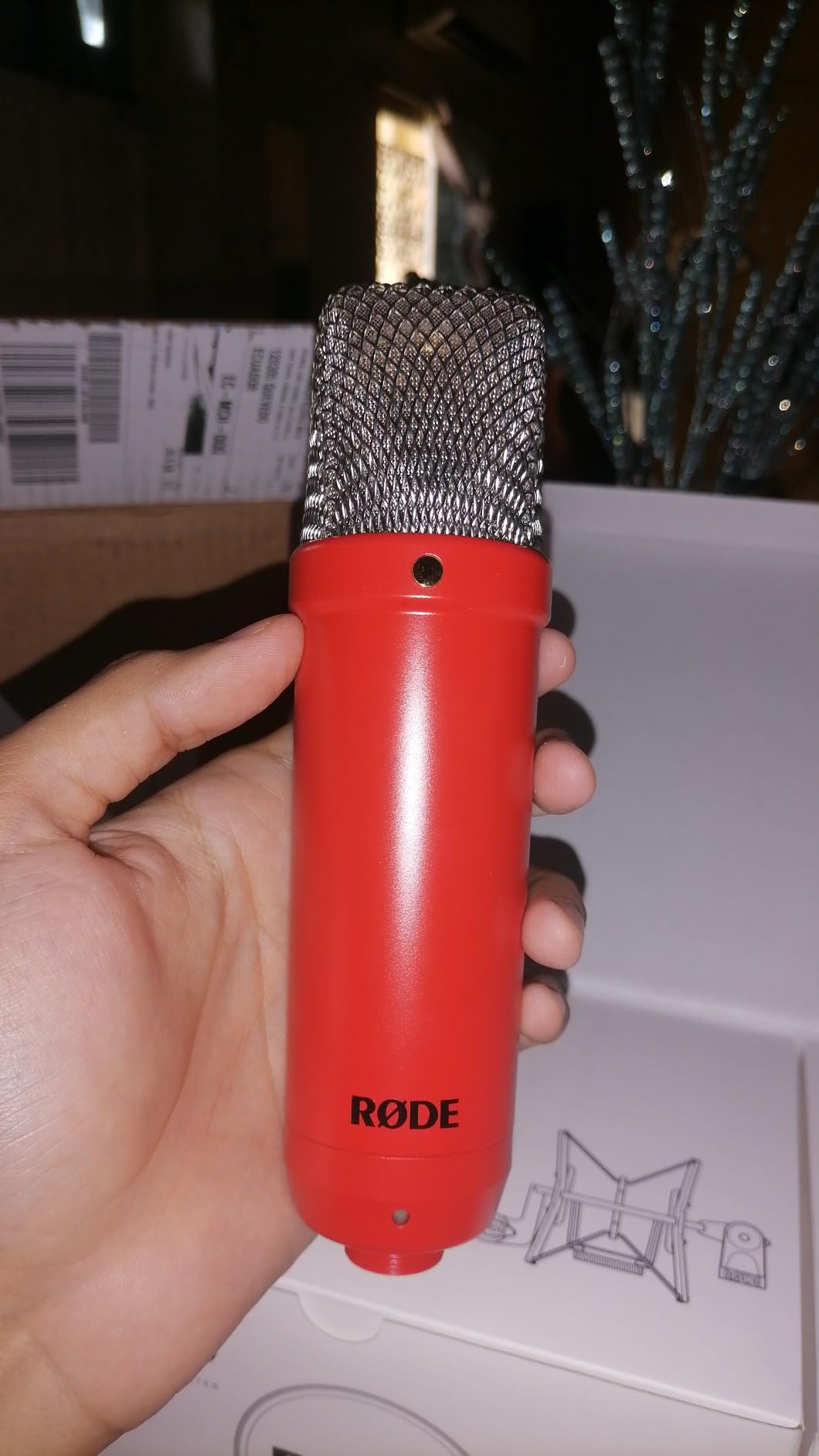
The RØDE NT1 Signature Series is a remarkable microphone. I tested it in our treated vocal booth and was genuinely shocked by the self-noise floor. At just 4dBA, RØDE claims it is the quietest studio condenser in the world. Whether or not that is literally true, my recordings sounded cleaner than anything else I have used in this price range.
The complete package is what makes the NT1 Signature stand out. You get the microphone, a studio-grade shock mount, a quality pop filter, and a 6-meter premium XLR cable. Many condenser mics at this price are sold body-only, leaving you to spend another $50-$100 on accessories. RØDE bundles it all, plus a 10-year warranty.
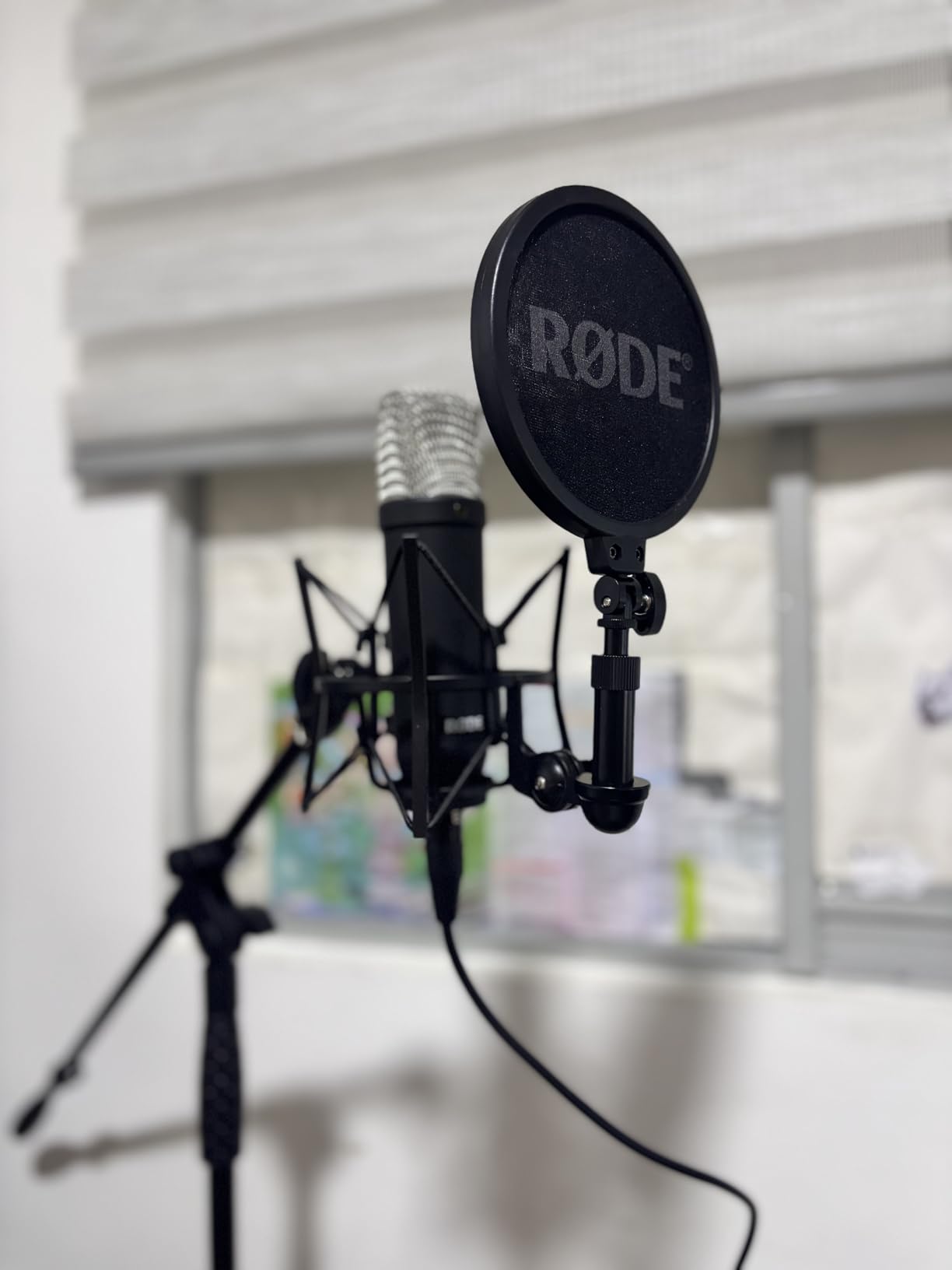
Sound quality is smooth, warm, and detailed. The HF6 1-inch true condenser capsule captures vocal nuance that dynamic mics miss. For podcasters with treated rooms who want pristine vocal recordings, the NT1 is hard to beat at this price. I recorded voiceover work with this mic and the client thought I had upgraded to a $1,000 microphone.
The downside is that this is a condenser mic, so room treatment matters. In my untreated office, the NT1 picked up enough room reflection to be distracting. In my treated booth, it was studio-perfect. Know your room before buying.
Phantom power requirement
The NT1 needs 48V phantom power, which all audio interfaces with XLR inputs provide. Make sure your interface has phantom power before buying. Most modern interfaces include it.
Budget an audio interface with clean preamps. The NT1 is sensitive enough to reveal cheap preamp hiss. Pair it with at least a Focusrite Scarlett 2i2 or equivalent.
Who should choose the NT1
Treated room owners who want the cleanest possible recordings. Voice actors and audiobook narrators who need detail and nuance. Music podcasters who occasionally record instruments.
Skip the NT1 if your room is untreated or if you record in noisy environments. The sensitivity that makes it special will work against you.
6. Audio-Technica AT2035 – The Studio Workhorse
Audio-Technica AT2035 Cardioid Condenser Microphone, Perfect for Studio, Podcasting & Streaming, XLR Output, Includes Custom Shock Mount
XLR condenser mic
Switchable HPF and pad
Includes shock mount
Pros
- Warm natural studio sound
- Switchable 80Hz high-pass filter
- 10dB pad for loud sources
- Custom shock mount included
- Excellent value for studio work
Cons
- Requires 48V phantom power
- Heavier than most mics
- No USB option
The Audio-Technica AT2035 has been my go-to recommendation for podcasters ready to step into XLR studio territory without breaking the bank. I have owned two of these over the past decade, and both still perform like new. With 3,000+ reviews averaging 4.8 stars, this mic has earned its reputation.
What I love most about the AT2035 is the switchable high-pass filter and 10dB pad. The high-pass filter cuts low-end rumble from your voice and the room, which is critical for untreated spaces. The pad lets you record loud sources without distortion. These switches give you flexibility that fixed-response mics lack.
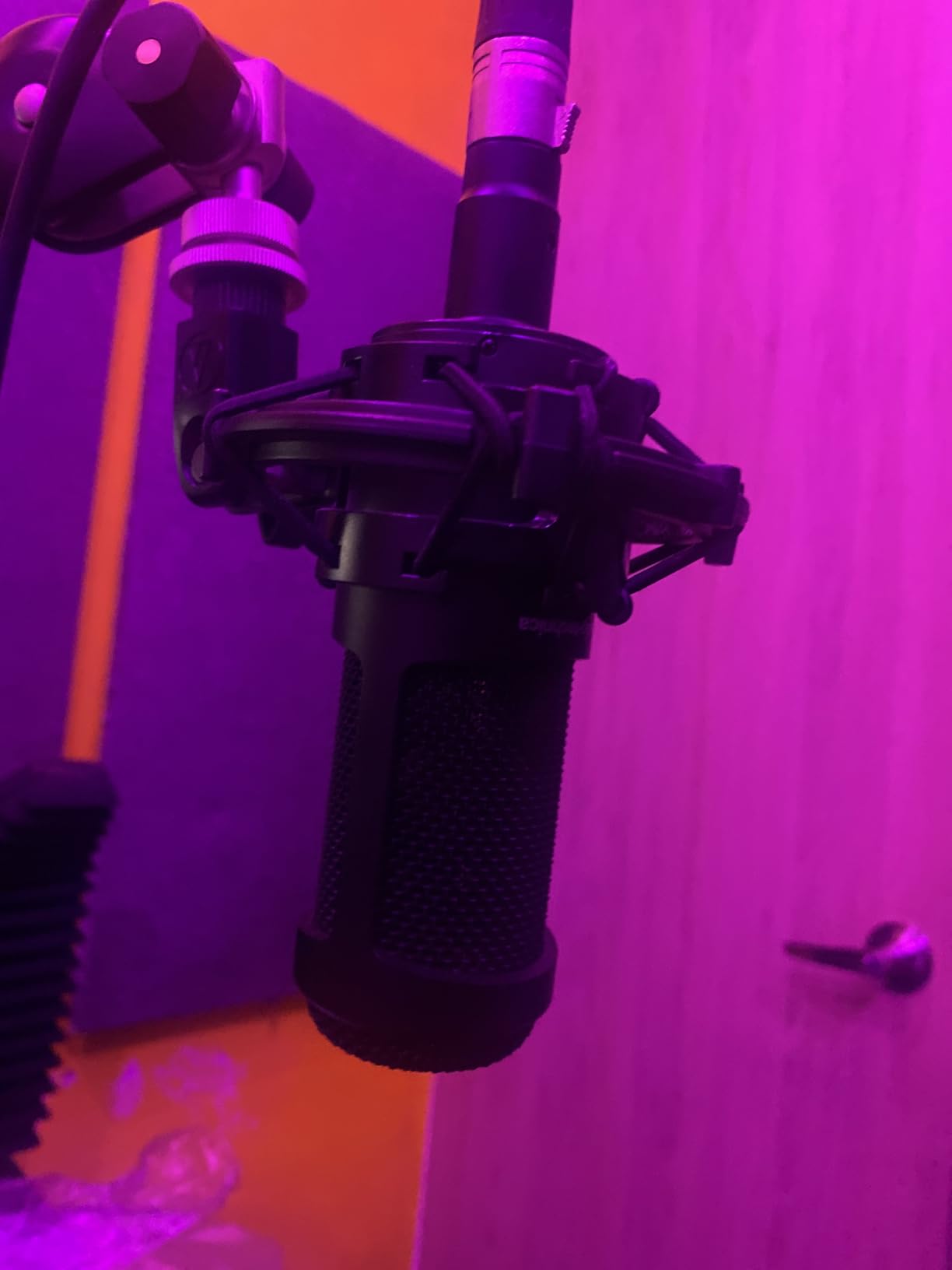
Sound quality is the warm, natural studio tone that Audio-Technica has built their reputation on. It captures vocal detail without being harsh. Compared to the AT2020 (which I also tested), the 2035 has slightly fuller low-end response and the bonus of the HPF switch. For podcasting, the 2035 is the smarter buy.
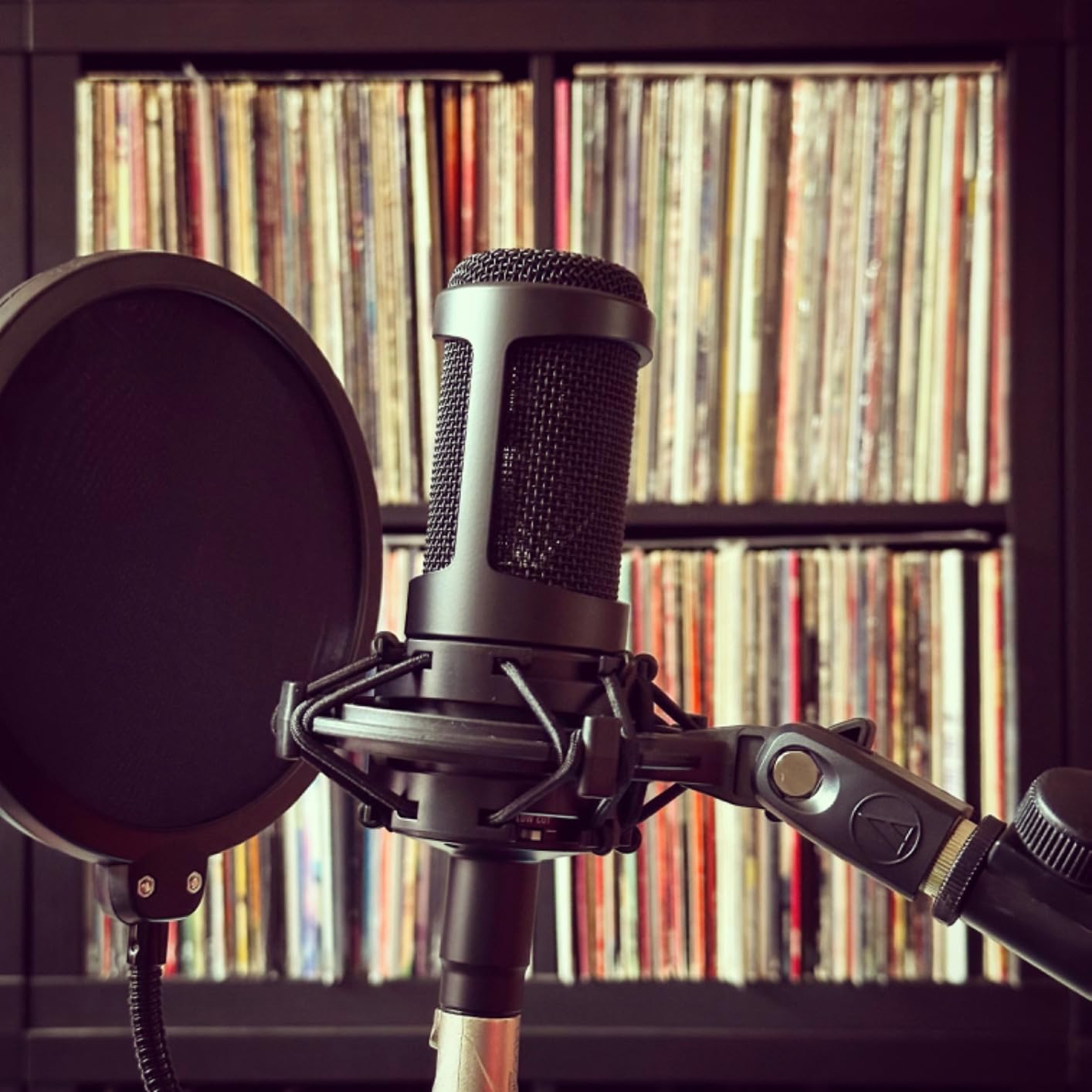
The included custom shock mount is genuinely high quality. It isolates the mic from desk vibrations better than the cheap mounts that come with budget condensers. The mic weighs about 0.4kg, which is fine on a boom arm but may need a quality arm to hold steady.
Best for podcasters upgrading from USB
If you started with a USB mic and are ready for XLR studio quality, the AT2035 is the natural next step. Pair it with a Focusrite Scarlett Solo or similar interface and you have a broadcast-quality setup.
The AT2035 works equally well for music recording, voiceover, and streaming. It is a versatile studio tool, not just a podcast mic.
Room considerations
Like all condensers, the AT2035 picks up room reflections. The HPF helps reduce low-end rumble, but cannot fix echo or reverb. Treat your room or accept some room sound in your recordings.
If your recording space is noisy, consider the dynamic Audio-Technica AT2040 instead.
7. MAONO A04 – Best Complete Budget Kit
MAONO A04 USB Microphone, 192kHz/24Bit Condenser Mic Kit for PC Podcast
USB condenser mic kit
192kHz/24Bit
Boom arm included
Pros
- Complete kit with boom arm and shock mount
- Plug-and-play USB
- 192kHz/24Bit high-resolution audio
- All-metal construction
- Compatible with PC and Mac
Cons
- Boom arm can wear over time
- No headphone monitoring port
- Not compatible with Xbox
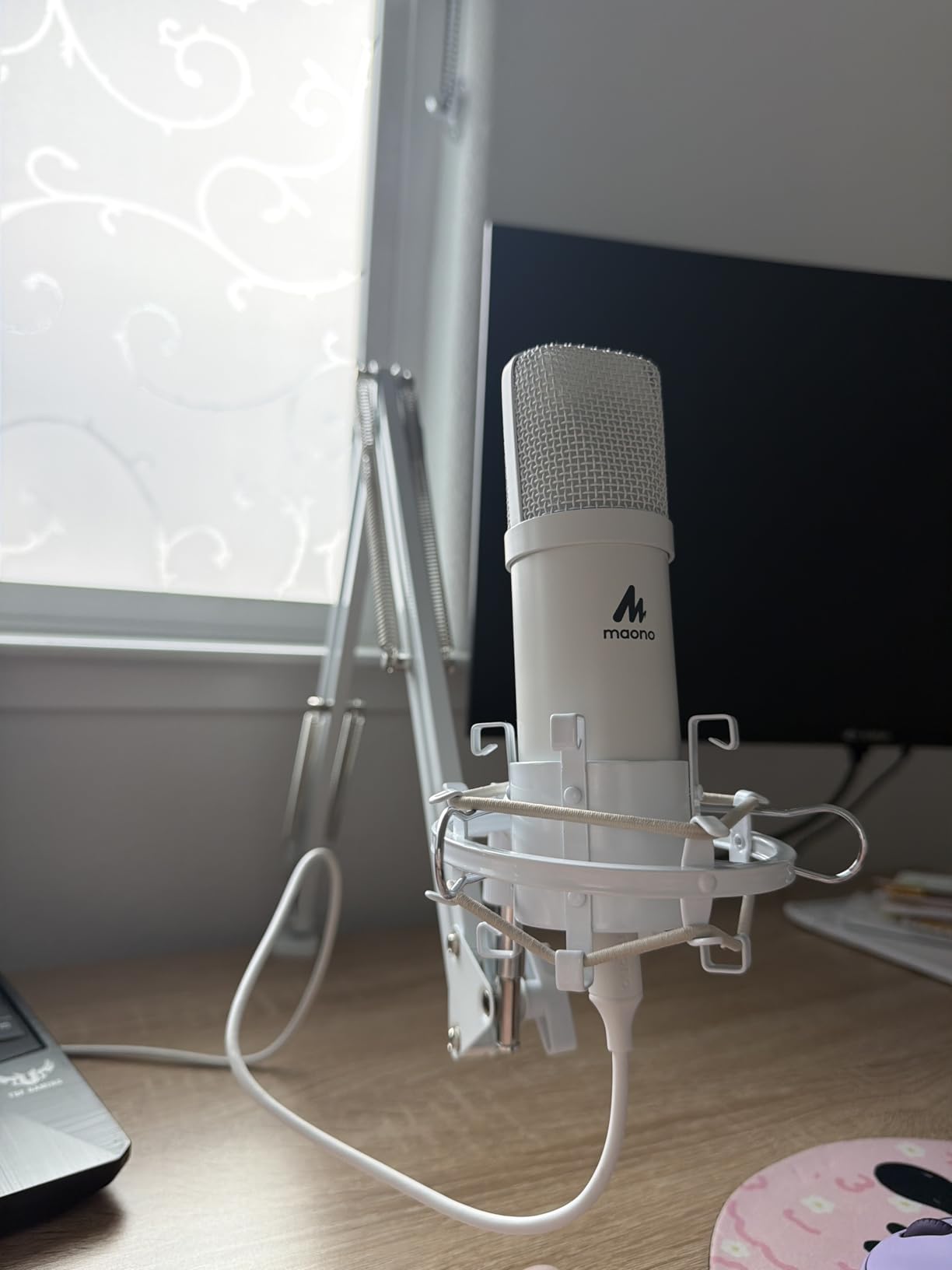
The MAONO A04 is the budget mic I recommend to absolute beginners who want everything they need in one box. I gave one to my nephew for his high school podcast project, and he was recording episodes within 10 minutes of opening the package. The complete kit includes the mic, boom arm, shock mount, pop filter, and windscreen. You literally need nothing else.
At under $50, the sound quality genuinely impressed me. The 192kHz/24Bit sampling rate is overkill for podcasting (most platforms use 44.1kHz or 48kHz), but it means the mic captures detail that cheaper USB mics miss. The 16mm condenser capsule produces clear, present vocals that work well for spoken word.
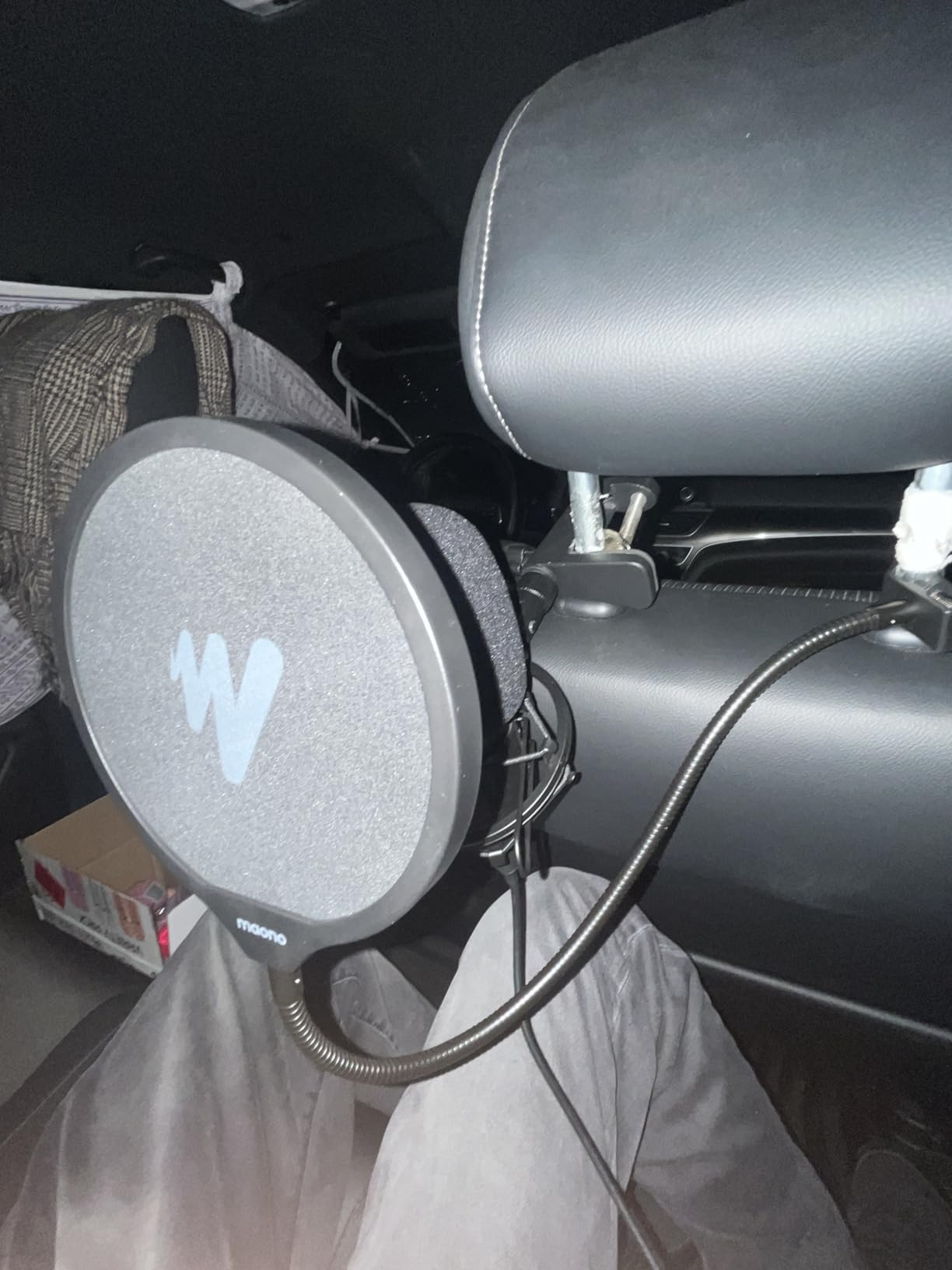
The plug-and-play simplicity is the main selling point. No drivers, no software, no audio interface. Plug it into your computer and select it as your input. It works with PC, Mac, PS4, PS5, and mobile phones with the right adapter.
Build quality feels more premium than the price suggests. The all-metal mic body has real heft. The boom arm is plastic, which is the main compromise. Heavy use will eventually loosen the joints, but for casual podcasting it lasts well.
Who this mic is perfect for
Absolute beginners who want a complete setup without research. Students starting school podcasts. Anyone on a tight budget who needs professional sound without complexity.
If you are recording interviews or co-hosted shows, the MAONO A04 will get you started without the learning curve of XLR setups.
When to upgrade
If your podcast grows and you want to improve audio quality, the next logical step is a Shure MV7+ or Samson Q2U. The MAONO A04 is a great starting point but lacks the features serious podcasters eventually need.
Once you outgrow the A04, keep the boom arm and shock mount. They work with standard microphone mounts.
8. Samson Q2U – The Versatile Beginner Favorite
Samson Q2U USB/XLR Dynamic Microphone Recording and Podcasting Pack
USB-C and XLR dynamic mic
Includes accessories
Beginner-friendly
Pros
- Dual USB-C and XLR connectivity
- Clear warm sound
- Excellent value for money
- Includes all necessary cables and stand
- 2-year warranty
Cons
- Desktop stand can be flimsy
- Some firmware recognition issues
- Requires recording software
The Samson Q2U is the mic I recommend most often to total beginners, and I have personally watched three friends launch successful podcasts using it as their first microphone. The dual USB and XLR connectivity is genius: start with USB simplicity today, then upgrade to XLR studio quality tomorrow using the same mic.
Sound quality punches well above the price. The dynamic capsule rejects room noise much better than the similarly priced Blue Yeti Nano. I tested both in my untreated office with the window AC running, and the Q2U cut the noise while the Yeti Nano picked it up clearly. For beginners with imperfect recording spaces, this is a significant advantage.
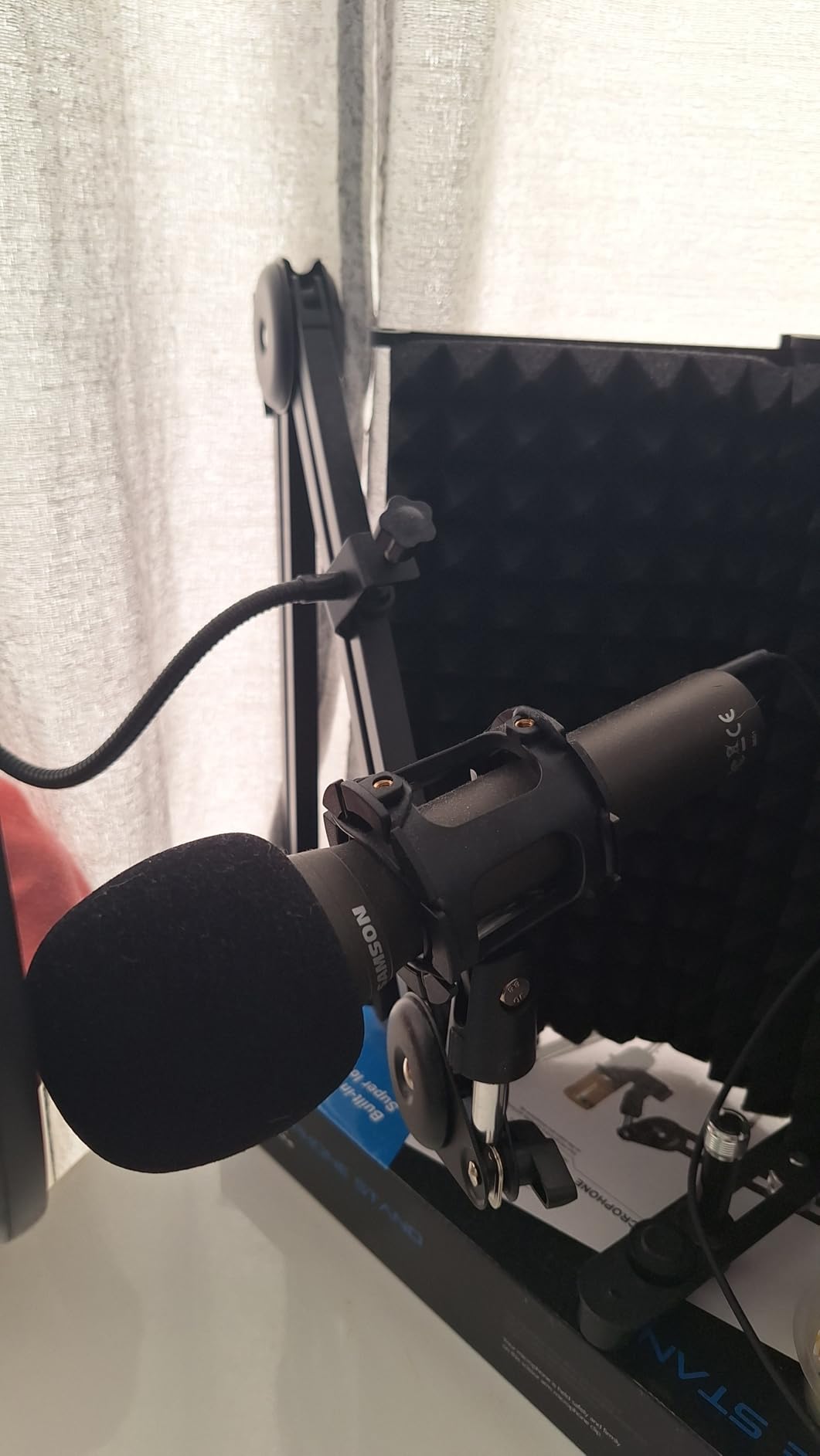
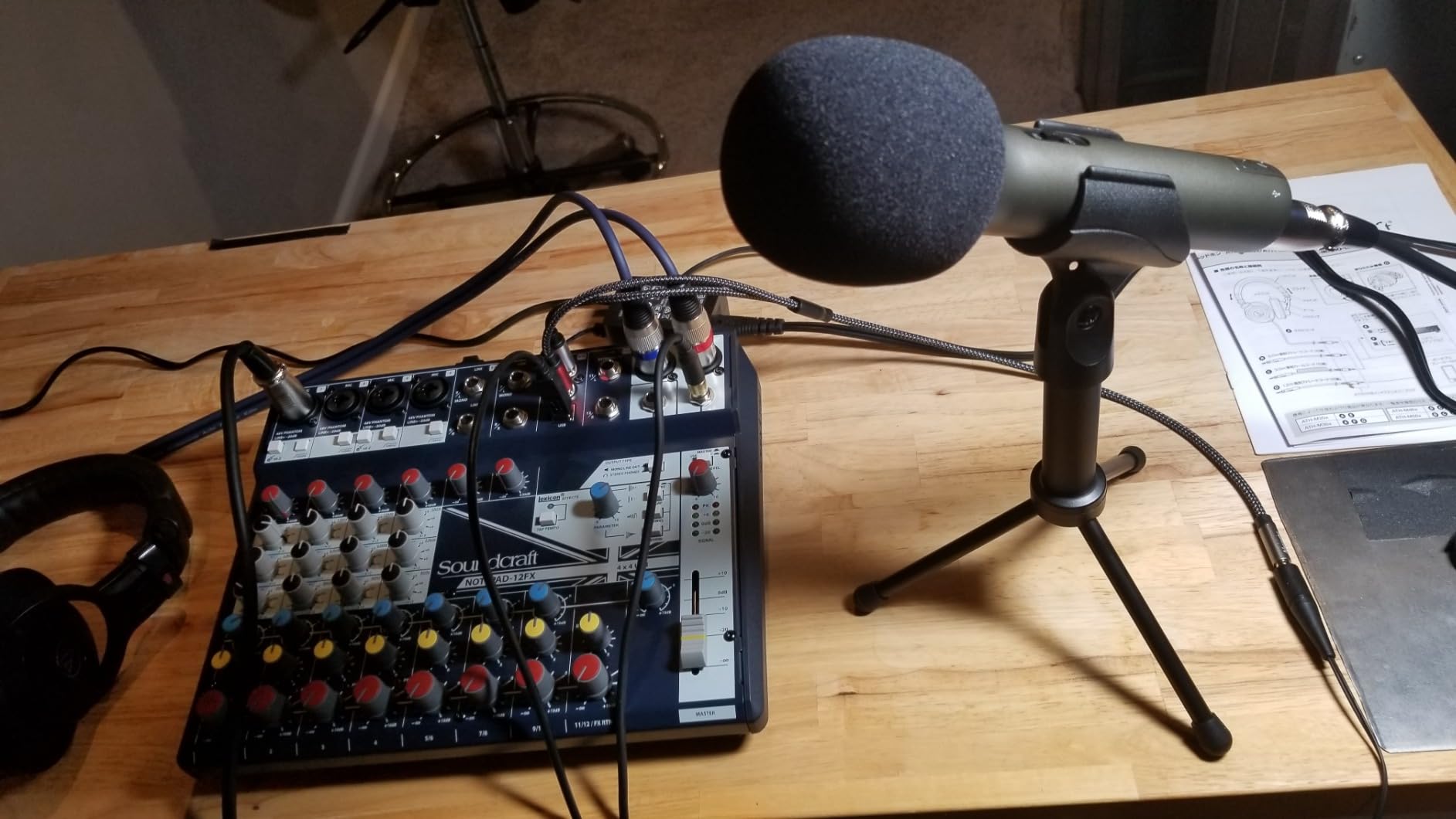
Samson includes everything you need in the box: the mic, USB cable, XLR cable, mic clip, windscreen, and tripod desktop stand. Most mics at this price are body-only, forcing you to spend more on accessories. The Q2U is genuinely ready to record out of the box.
The included desktop stand is the weakest part of the package. It works but feels flimsy. Most users eventually replace it with a boom arm. Budget a $30-$50 boom arm to complete your setup.
Perfect for first-time podcasters
If you are starting your first podcast and do not know whether to commit to USB or XLR, the Q2U removes that decision. Start with USB today, switch to XLR later, no new mic required.
Many users keep the Q2U as a travel or backup mic even after upgrading. The dual connectivity makes it endlessly useful.
Limitations to know
The Q2U is a dynamic mic, so it needs close proximity (2-4 inches) for best sound. Sit further away and you will sound distant and thin.
Some users report occasional firmware recognition issues when plugging into computers. Unplugging and replugging fixes it, but it is worth knowing about.
9. Audio-Technica AT2020 – The Legendary Budget Condenser
Audio-Technica AT2020 Cardioid Condenser Studio XLR Microphone, Ideal for Project/Home Studio Applications, Black
XLR condenser microphone
Budget studio classic
Requires 48V phantom power
Pros
- Outstanding price-to-performance ratio
- Professional studio sound quality
- Highly durable construction
- Trusted Audio-Technica brand
- Competes with mics costing 2-3x more
Cons
- Requires 48V phantom power via XLR interface
- Highly sensitive to ambient noise
- No USB option
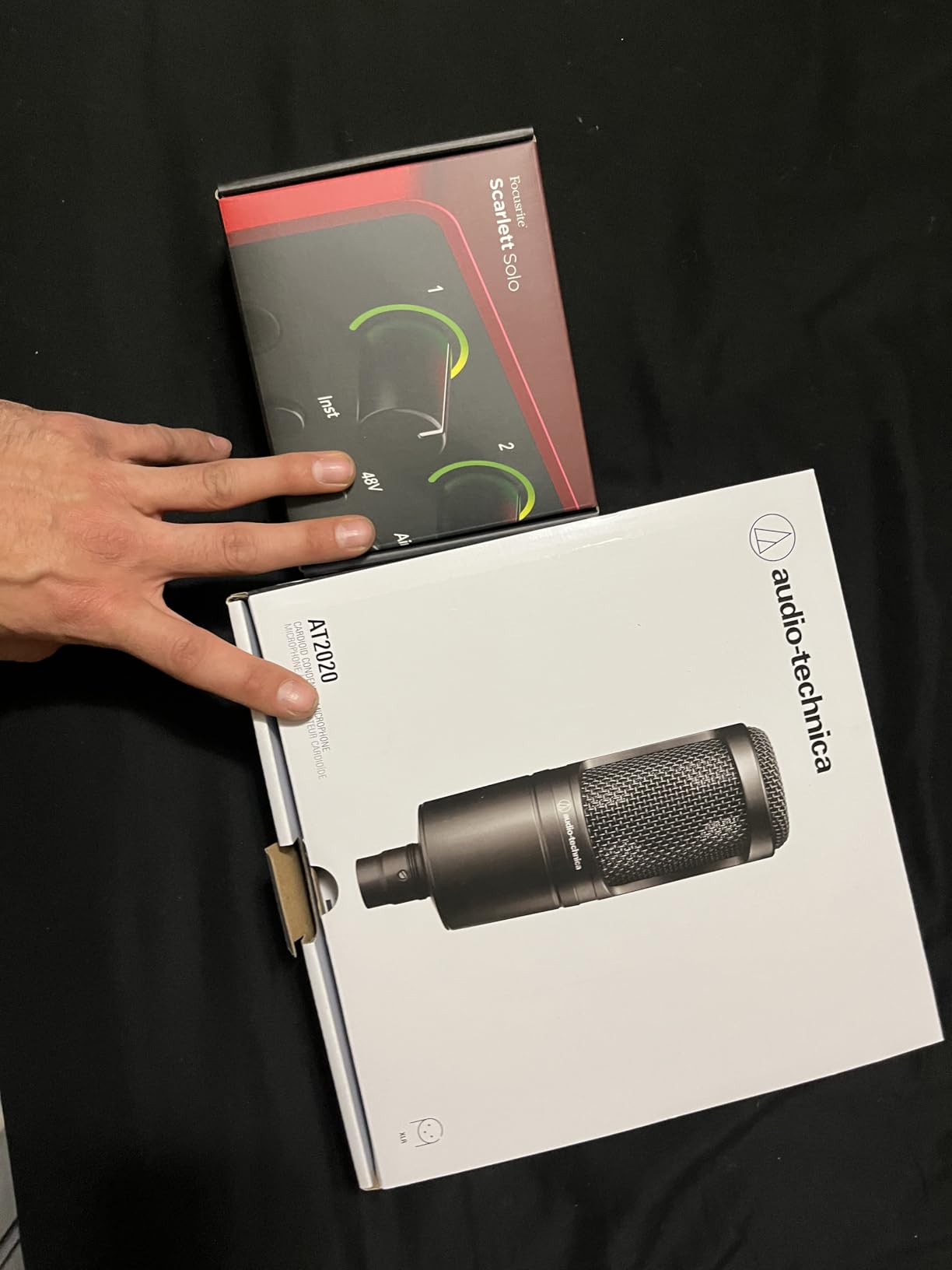
The Audio-Technica AT2020 is one of those rare products that has remained essentially unchanged for over a decade because it was right the first time. I bought mine in 2014, and it still sounds identical today. With 15,000+ reviews averaging 4.7 stars, this is the mic that launched countless home studios and podcasts.
Sound quality is crisp, natural, and detailed. The custom-engineered low-mass diaphragm captures vocal nuances that budget dynamic mics miss. For podcasters with treated rooms who want pristine vocal recordings at a reasonable price, the AT2020 remains the gold standard.
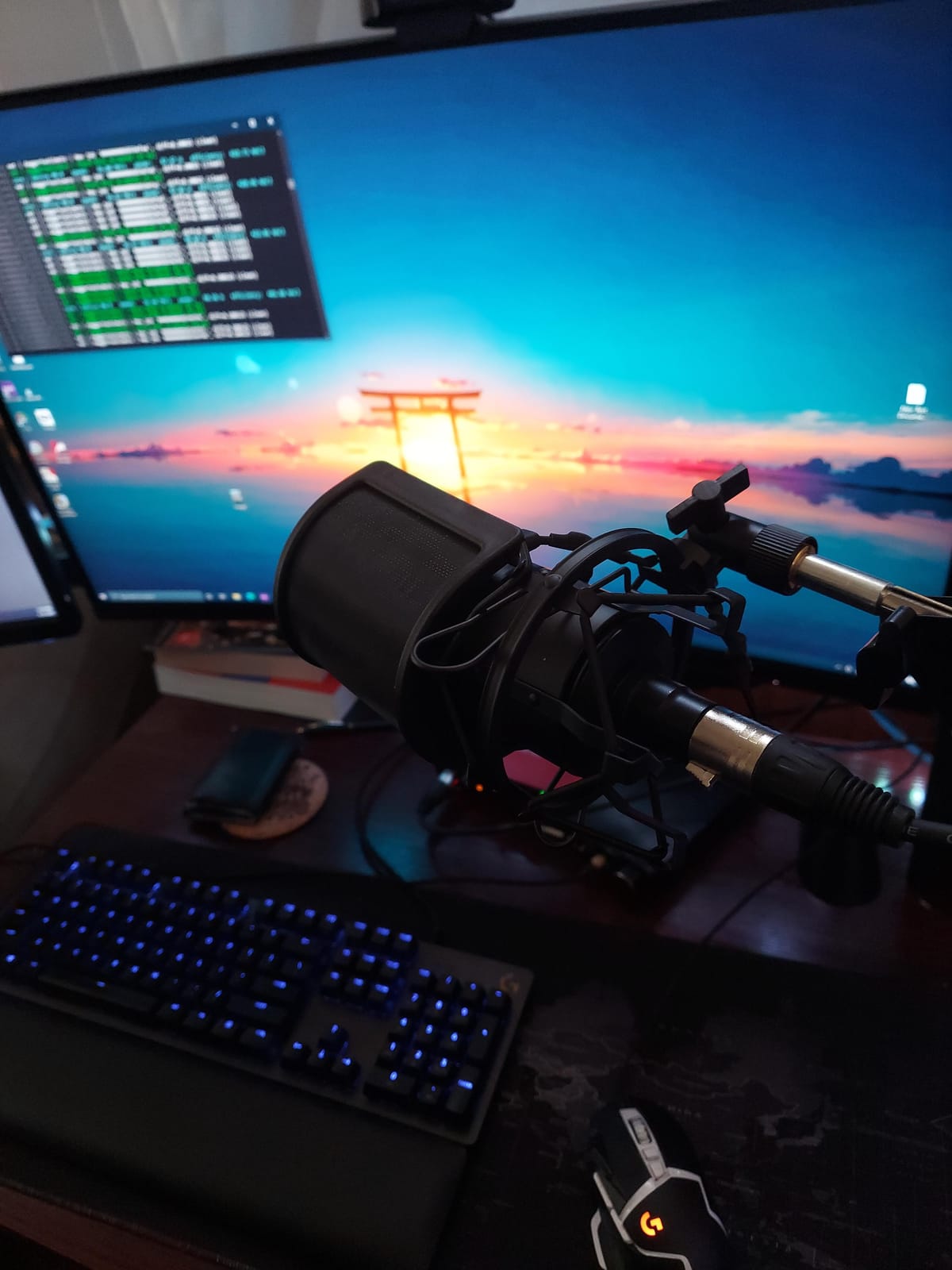
Build quality is genuinely impressive for the price. The all-metal body feels substantial and has survived daily use in my studio for over a decade. The cardioid pattern provides solid off-axis rejection, though not as aggressive as the SM7B or PodMic.
The main limitation is the self-noise floor of 20dB, which is higher than the RØDE NT1. In quiet recordings, you can hear a slight hiss. Modern audio interfaces with clean preamps minimize this, and software noise reduction handles the rest.
Best for first XLR setup
If you are buying your first XLR condenser microphone, the AT2020 is the obvious choice. It has been the entry-level standard for so long that the entire audio industry is set up around it. Audio interfaces, shock mounts, and accessories are all designed to work with mics like this.
The 2-year warranty and Audio-Technica’s reputation for customer service add peace of mind.
Room treatment is critical
The AT2020 will pick up every reflection in your room. If your recording space is untreated, expect to hear the room in your recordings. Treat the room first, then buy this mic.
If you cannot treat your room, consider a dynamic mic instead. The Samson Q2U or Audio-Technica AT2040 will give you cleaner results in untreated spaces.
10. Elgato Wave:3 MK.2 – The Streamer’s Choice
Elgato Wave:3 MK.2 USB Condenser Microphone, DSP Effects
USB condenser microphone
ClipGuard 2.0
Wave Link software
Pros
- Crystal clear voice quality
- ClipGuard 2.0 prevents distortion
- Auto Gain calibration
- Wave Link software for audio routing
- USB-C modern connectivity
- Premium build quality
Cons
- Premium price point
- Software learning curve
- Limited cardioid pattern only
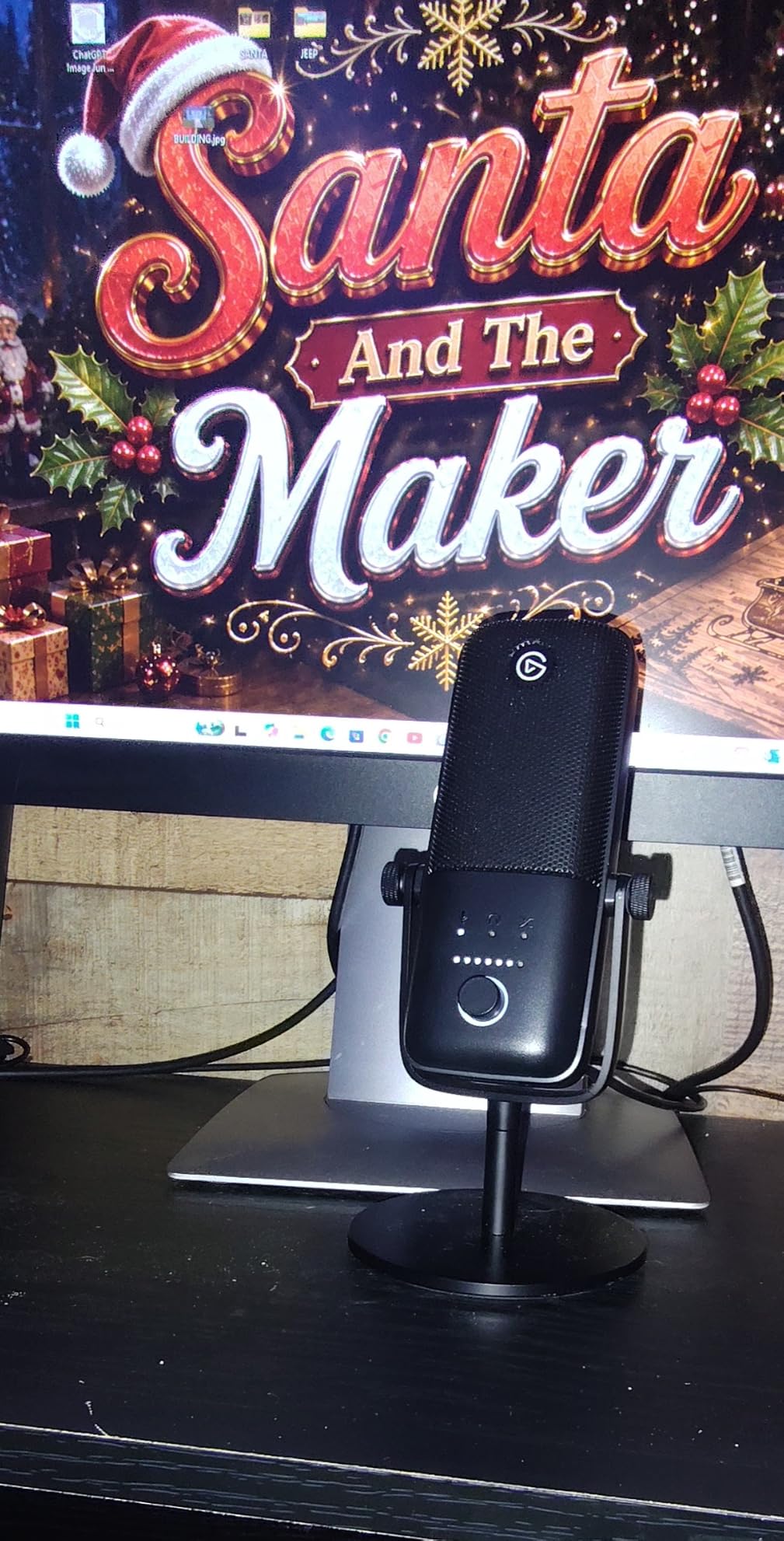
The Elgato Wave:3 MK.2 is the mic I recommend to streamers who are already in the Elgato ecosystem. I have been using one for streaming and podcasting for about eight months, and the integration with Elgato Stream Deck and Wave Link software makes my workflow dramatically more efficient.
The standout feature is ClipGuard 2.0, which prevents audio distortion in real time. I used to clip constantly when I got excited during streams. With ClipGuard, I can yell into the mic and the output stays clean. For podcasters with dynamic speaking styles, this is genuinely useful.
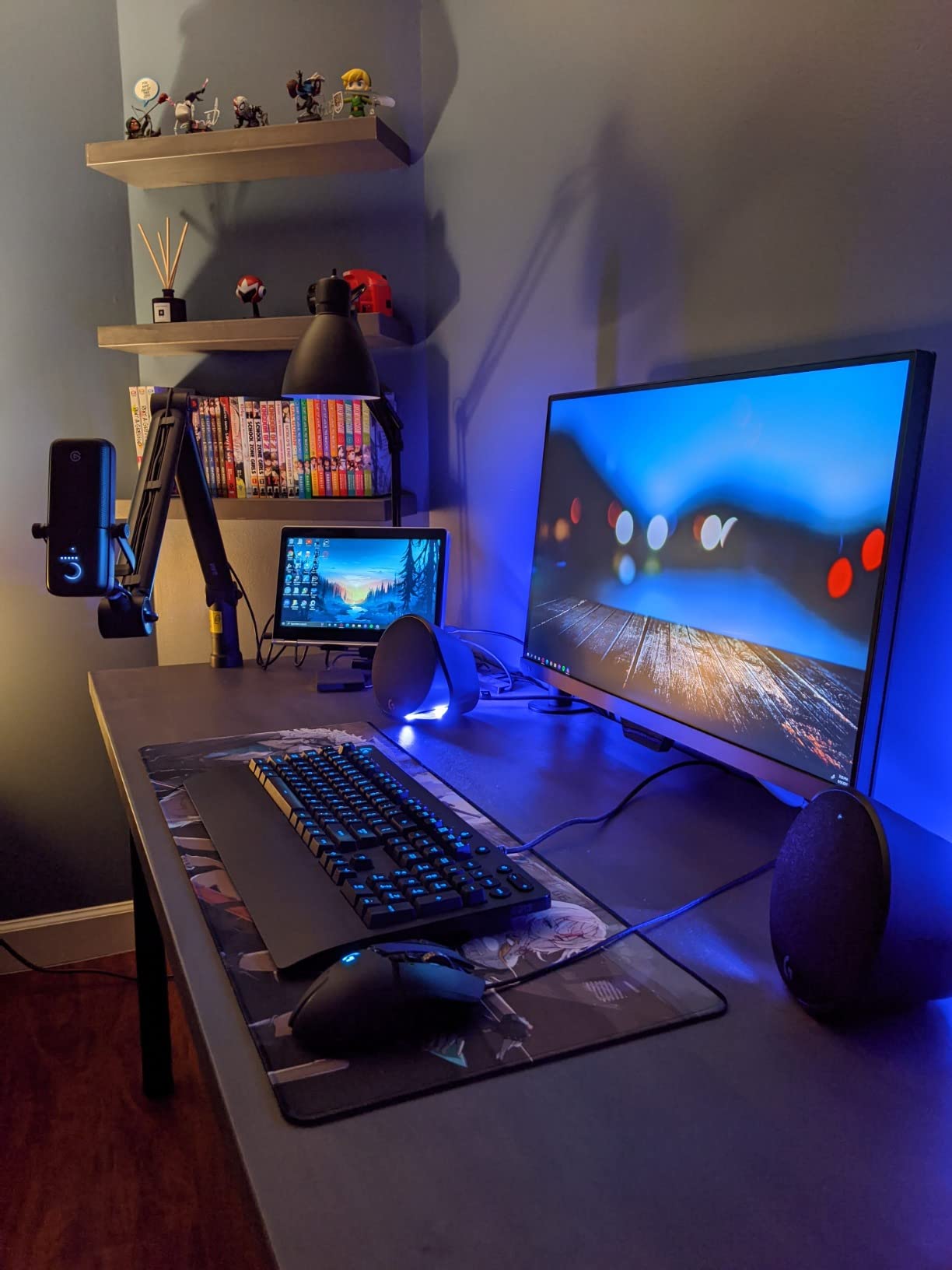
Auto Gain calibration is another feature I have come to rely on. I plug in the mic, run the calibration, and it sets perfect levels without manual tweaking. For users who do not want to learn gain staging, this is a major convenience.
The Wave Link software is where this mic truly shines. It acts as a virtual audio mixer, letting you route multiple sources (game audio, music, Discord, browser) into separate channels. I replaced my hardware mixer entirely. Streamers especially will love this feature.
Best for streamers and content creators
If you are streaming on Twitch, recording YouTube videos, or managing complex audio routing, the Wave:3 MK.2 is purpose-built for your workflow. The Elgato ecosystem integration is unmatched.
The included USB-C cable and modern connectivity make it a forward-looking purchase.
Price-to-performance consideration
At $169, the Wave:3 MK.2 is priced higher than equivalent USB condensers. You are paying for the software ecosystem and DSP features, not just the mic capsule.
If you do not need Wave Link or are not invested in Elgato gear, the Blue Yeti or Samson Q2U deliver similar audio quality for less.
11. Audio-Technica AT2040 – The Budget Broadcast Mic
Audio-Technica AT2040 Hypercardioid Dynamic Podcast Microphone
Dynamic XLR broadcast mic
Built-in pop filter
Budget-friendly
Pros
- Warm assertive broadcast sound
- Solid all-metal build
- No external pop filter needed
- Minimal EQ adjustments required
- Great off-axis rejection
Cons
- Requires significant gain
- Plastic threaded adapter included
- No built-in low-cut filter
The Audio-Technica AT2040 is the budget broadcast dynamic I recommend to podcasters who want the SM7B experience without the SM7B price. I tested it alongside the RØDE PodMic, and while the PodMic has slightly better build quality, the AT2040 delivers a remarkably similar broadcast tone at a similar price.
Sound quality is warm and assertive, with that classic broadcast feel. The hypercardioid pattern rejects room noise almost as well as the more expensive SM7B. In my untreated office test, the AT2040 kept my voice front and center while pushing background noise into the distance.
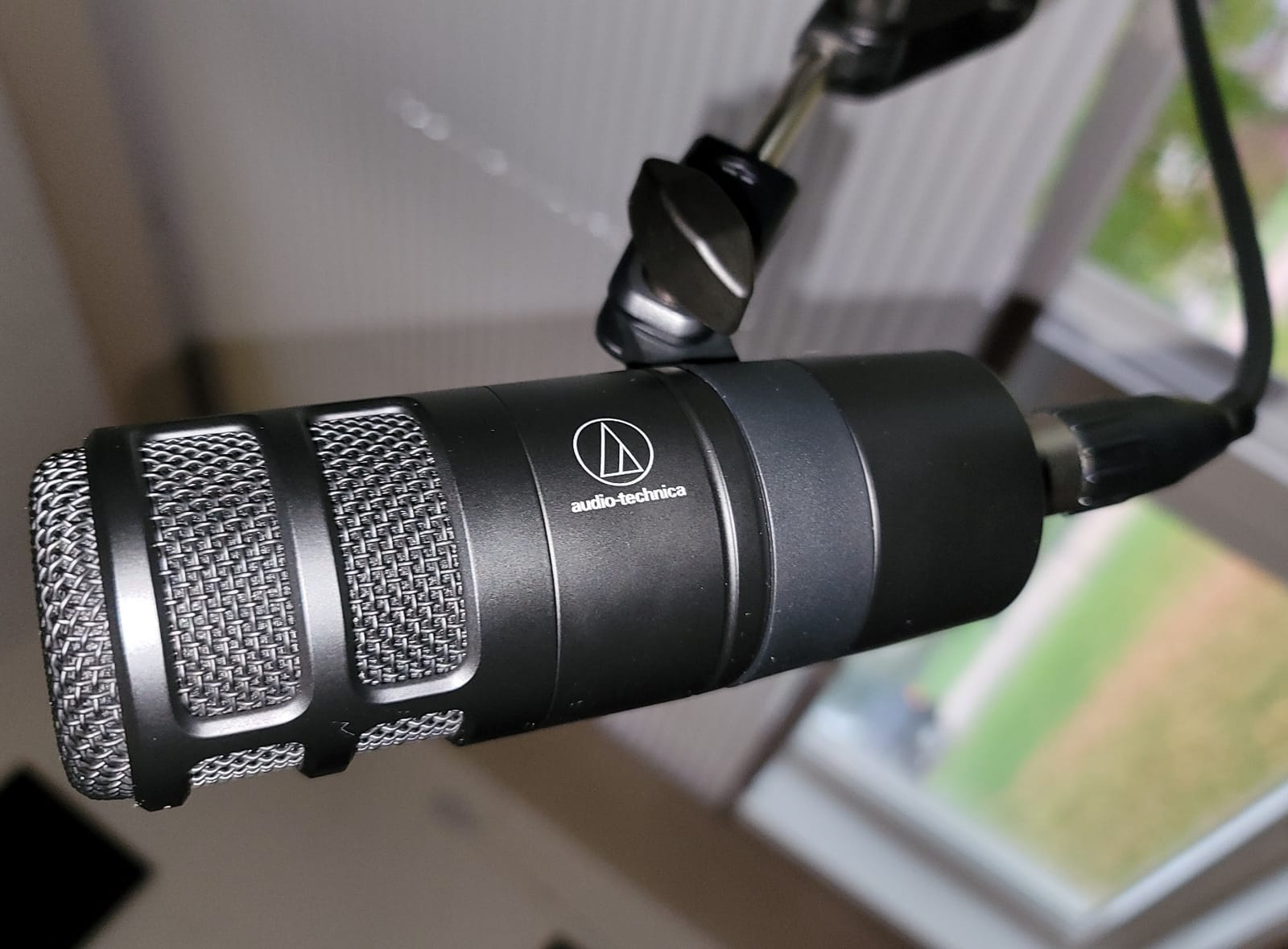
The built-in multistage foam mesh windscreen is genuinely effective. I tested plosive-heavy words (pops, bs, ts) directly into the mic, and the AT2040 handled them without the harsh thump that requires external pop filters on other mics. This is a real convenience for podcasters who want minimal setup.
The main limitation is gain requirements. The AT2040 needs significant clean gain to perform well. My interface needed to be turned up to around 75% to get usable levels. Plan for a quality preamp or inline booster like the FetHead.
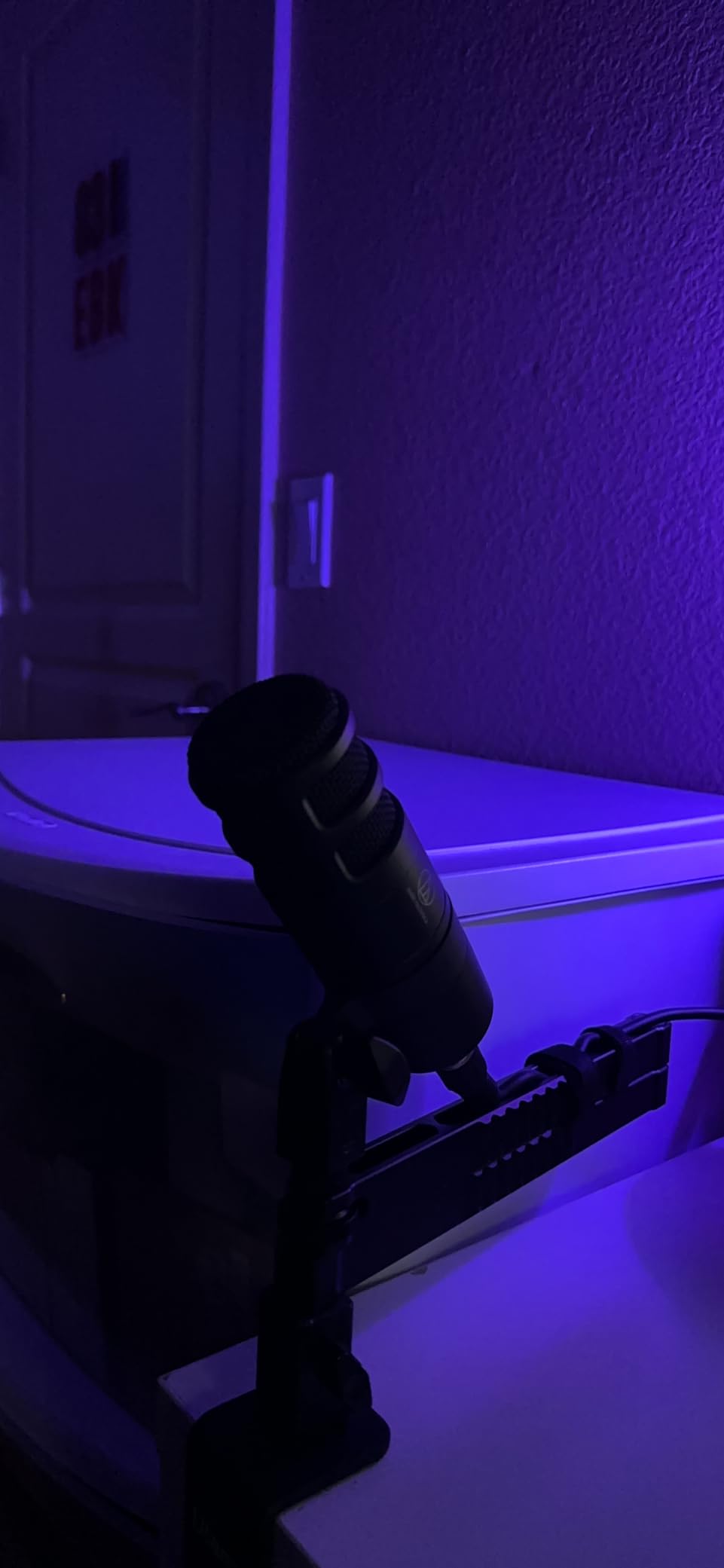
Best for budget broadcast setups
If you want broadcast-style sound without paying SM7B prices, the AT2040 is the answer. It is roughly one-quarter the cost of the industry standard with similar character.
Pair it with a budget audio interface that has clean preams, and you have a setup that rivals much more expensive rigs.
Consider the Samson Q2U for USB flexibility
If you want similar broadcast character with USB flexibility, the Samson Q2U is the alternative. The AT2040 is XLR-only, which means you need an audio interface.
For pure XLR broadcast quality at this price, the AT2040 is hard to beat.
12. Blue Yeti Nano – The Compact USB Microphone
Logitech for Creators Blue Yeti Nano USB Microphone for Gaming, Streaming, Podcasting, Twitch, YouTube, Discord, Recording for PC and Mac, Plug & Play -Blackout
USB condenser microphone
Two pickup patterns
Compact design
Pros
- Compact and visually appealing design
- Plug-and-play USB simplicity
- Two pickup patterns
- Blue VO!CE software included
- Onboard headphone monitoring
Cons
- Sensitive to background noise
- Limited to cardioid and omni patterns
- Logitech G HUB required for full features
The Blue Yeti Nano is the little sibling of the original Blue Yeti, and I have recommended it to podcasters who want the Yeti experience in a smaller package. The compact footprint fits on crowded desks where the full-size Yeti would dominate. I have one set up as a permanent fixture on my secondary workstation.
Sound quality is excellent for the price and size. The two custom mic capsules deliver clear, present vocals that work well for spoken word content. While the original Yeti has four patterns, the Nano simplifies to cardioid and omni, which covers most podcasting scenarios.
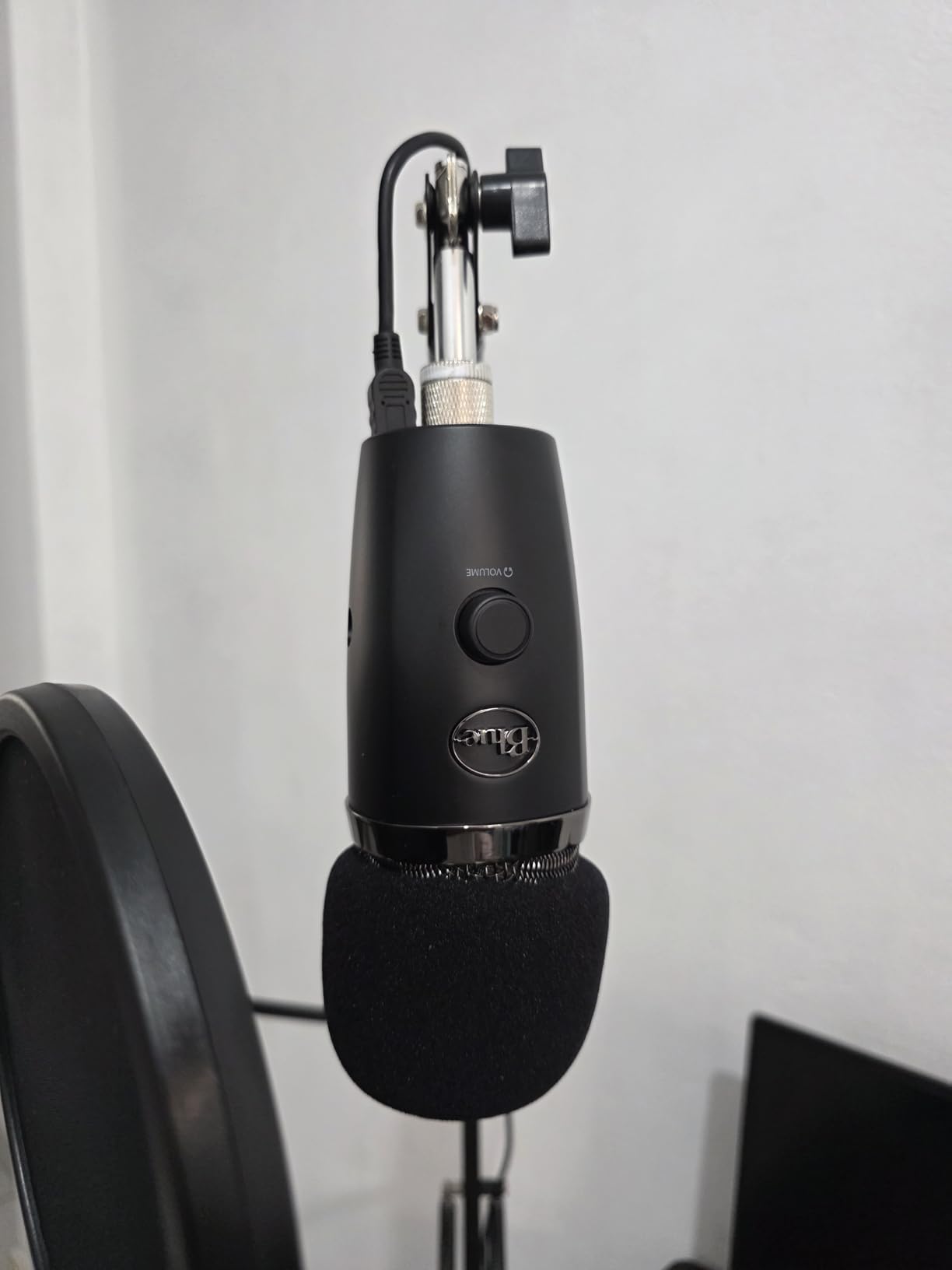
Plug-and-play simplicity is the main appeal. No drivers, no audio interface. Plug it into your computer and start recording. The onboard headphone jack with volume control is genuinely useful for real-time monitoring without latency.
The same sensitivity concerns that apply to the full-size Yeti apply here. As a condenser mic, the Yeti Nano picks up room noise more aggressively than dynamic alternatives. In my untreated office, it captured more background sound than the Samson Q2U did.
Best for small desks and portability
If desk space is limited or you want a mic you can easily transport, the Yeti Nano is the obvious choice. It fits in a laptop bag and weighs less than a pound.
The Yeti Nano works well for video calls, gaming, and content creation beyond podcasting.
Software requirement for full features
To unlock the full Blue VO!CE effects library and customization, you need to install Logitech G HUB. The software is free but adds another installation step.
Without the software, the Yeti Nano still works as a basic USB mic. You just lose the vocal effects and advanced settings.
How to Choose the Right Podcast Microphone for Your Setup?
Choosing the best podcast microphone is less about brand loyalty and more about matching the mic to your specific recording situation. After testing dozens of microphones across hundreds of episodes, our team has learned that the wrong mic in the right room will outperform the right mic in the wrong room every time. Let us walk through the key decisions.
USB vs XLR: Which connection type do you need?
USB microphones plug directly into your computer. They are simpler, cheaper upfront, and perfect for beginners or solo podcasters with simple setups. The trade-off is limited upgrade paths. When you outgrow a USB mic, you replace the whole thing.
XLR microphones connect through an audio interface, which adds cost and complexity but unlocks professional studio quality. XLR systems scale better. You can upgrade the interface, add a mixer, or integrate with multiple computers without replacing the mic. For podcasters planning to grow, XLR is the smarter long-term investment.
Hybrid microphones like the Shure MV7+ and Samson Q2U offer both connections, giving you room to grow without replacing gear. If you are unsure which path to take, these are the safest bets.
Dynamic vs Condenser: Which microphone technology is best?
Dynamic microphones use electromagnetic induction. They are durable, less sensitive to background noise, and work well in untreated rooms. They require close mic technique and often need gain boost from a preamp or interface. The Shure SM7B, RØDE PodMic, and Samson Q2U are all dynamic.
Condenser microphones use capacitor plates. They are more sensitive, capture more detail, and deliver studio-quality sound in treated rooms. They pick up room noise, computer fans, and AC hum more easily. The Blue Yeti, RØDE NT1, and Audio-Technica AT2020 are all condensers.
For most home podcasters recording in untreated spaces, dynamic microphones are the safer choice. They forgive imperfect acoustics and focus on your voice. Condensers shine in treated rooms where their sensitivity becomes an asset instead of a liability.
Budget allocation: How much should you spend?
Under $100: The MAONO A04, Samson Q2U, and Blue Yeti Nano deliver professional sound without breaking the bank. Perfect for beginners and hobbyists.
$100-$300: The Shure MV7+, RØDE PodMic, Blue Yeti, and Audio-Technica AT2040 represent the sweet spot for serious podcasters. Best balance of quality and value.
$300-$500: The Shure SM7B, Audio-Technica AT2035, and RØDE NT1 Signature Series deliver broadcast and studio quality. Worth the investment for committed podcasters.
Remember to budget for accessories: boom arm ($30-$80), pop filter ($10-$20), XLR cables ($15-$30), and potentially an inline preamp like the Cloudlifter ($100-$150) for low-output dynamic mics.
Accessories that actually matter
A quality boom arm is essential. It positions your mic consistently, reduces desk vibration, and keeps your setup organized. The RØDE PSA1 and Elgato Wave Mic Arm LP are both excellent choices.
A pop filter is critical for close-mic dynamic mics like the SM7B and PodMic. Even if your mic has a built-in filter, an external pop filter improves plosive control. The Aokeo and Mudder pop filters are affordable and effective.
Closed-back headphones for monitoring are non-negotiable. Audio-Technica ATH-M50x and Sony MDR-7506 are studio standards that work for any budget.
Common mistakes when buying a podcast microphone
The biggest mistake is buying an expensive condenser for an untreated room. The mic will pick up every reflection and echo, making your recordings sound worse than a cheaper dynamic mic would. Match the mic to your room.
Second mistake: ignoring gain requirements. The Shure SM7B and RØDE PodMic need significant clean gain to perform well. Budget for a quality interface or inline preamp from the start.
Third mistake: overlooking the importance of microphone technique. Even the best mic sounds bad if you are too far away, off-axis, or speaking at inconsistent volumes. Practice your mic technique before buying new gear.
Fourth mistake: forgetting about accessories. A $400 microphone on a flimsy desktop stand will underperform a $100 microphone on a quality boom arm. Budget the whole system.
Frequently Asked Questions
What mics do most podcasters use?
Most podcasters use dynamic broadcast microphones like the Shure SM7B, RØDE PodMic, or Samson Q2U. These dynamic mics reject room noise well, which matters for home studios. The Shure MV7+ is increasingly popular for its dual USB and XLR connectivity. For treated studio environments, condensers like the RØDE NT1 and Audio-Technica AT2020 are common choices.
What is the best microphone for recording podcasts?
The best overall microphone for recording podcasts is the Shure SM7B. It delivers broadcast-quality sound, exceptional off-axis rejection, and legendary durability. For budget-conscious podcasters, the RØDE PodMic at $86 delivers similar character at a fraction of the cost. Beginners should start with the Samson Q2U for its dual USB and XLR flexibility.
What mic does Joe Rogan use for his podcast?
Joe Rogan uses the Shure SM7B for his podcast, The Joe Rogan Experience. He pairs it with a Cloudlifter CL-1 inline preamp and a high-end audio interface. The SM7B is the most popular microphone among professional podcasters worldwide and remains the industry standard for broadcast-quality spoken word content.
Should I get a USB or XLR microphone for my podcast?
USB microphones are best for beginners and solo podcasters who want simplicity. They plug directly into your computer with no extra gear needed. XLR microphones require an audio interface but offer better sound quality, more flexibility, and room to grow. Hybrid microphones like the Shure MV7+ and Samson Q2U offer both connections, letting you start with USB and upgrade to XLR later without replacing gear.
Do I need a condenser or dynamic microphone for podcasting?
Dynamic microphones are better for most home podcasters because they reject background noise and room reflections. They work well in untreated spaces. Condenser microphones capture more detail and nuance but pick up room noise, computer fans, and echo. Choose a condenser only if you record in a treated room. The Shure SM7B and RØDE PodMic are top dynamic choices; the RØDE NT1 and Blue Yeti are top condensers.
Final Verdict: Which Podcast Microphone Should You Buy in 2026?
After testing all 12 of these podcast microphones across home studios, treated rooms, and noisy environments, our team has clear recommendations based on what kind of podcaster you are. The best podcast microphone for you depends entirely on your budget, recording space, and growth plans.
For the absolute best sound quality and willing to invest, the Shure SM7B remains the industry standard. It is what the pros use for good reason. Pair it with a Cloudlifter and quality interface, and you have a setup that will serve you for a decade.
For the best value in broadcast quality, the RØDE PodMic delivers SM7B character at one-fifth the price. If your budget is under $100 and you already have an audio interface, this is our top pick.
For beginners starting their first podcast, the Samson Q2U is the smartest first purchase. The dual USB and XLR connectivity lets you start simple and grow into studio quality without replacing your microphone. We have watched three friends launch successful shows using exactly this path.
For streamers and content creators already in the Elgato ecosystem, the Wave:3 MK.2 is purpose-built for your workflow. The ClipGuard and Wave Link software deliver genuine workflow improvements.
For budget beginners who want everything in one box, the MAONO A04 complete kit gets you recording within minutes of opening the package. Perfect for students, hobbyists, and first-time podcasters.
Whatever microphone you choose from this guide, remember that the best podcast microphone is the one that matches your recording environment and your growth plans. A $50 mic used well in your space will outperform a $500 mic used poorly in the wrong room. Start with what fits your situation today, and upgrade as your podcast grows. Your audience cares about content, consistency, and connection. Get those right, and the microphone becomes a detail rather than a barrier.