
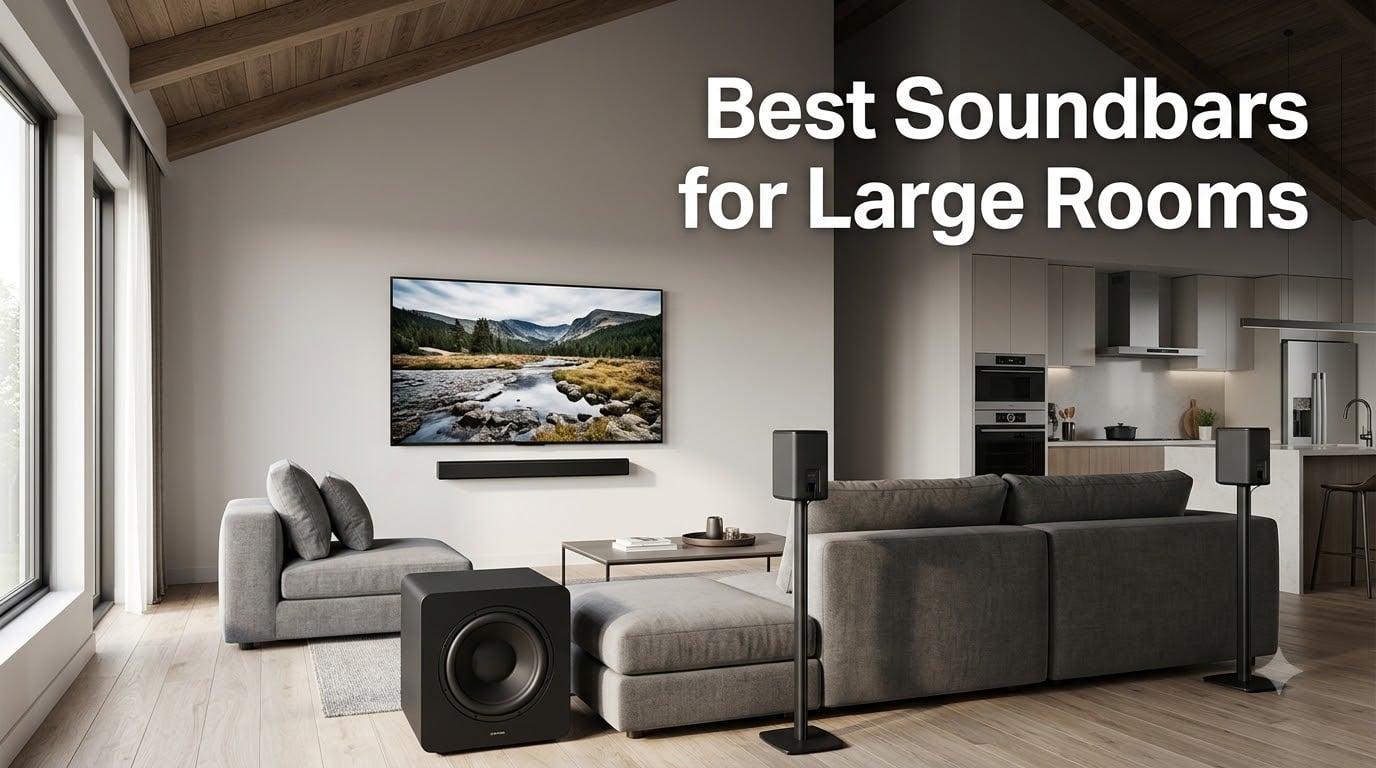
The best soundbars for large rooms do more than make a TV louder. They need to spread dialogue, effects, and music across more air, hold their composure at high volume, and deliver bass that does not disappear into an open floor plan. A compact bar can sound excellent in a small den, then sound thin when it has to cover a 20-by-25-foot room, a vaulted ceiling, or a kitchen attached to the seating area.
I compared eight soundbar systems built around different solutions to that problem: dedicated subwoofers, detachable rear speakers, upward-firing drivers, and room calibration. The right choice depends on your room, not just your television. This guide explains what I would buy for a large living room, a high-ceiling media space, and an open concept home.
Updated for 2026, these are the Best Soundbars for Large Rooms for shoppers who want a more cinematic presentation without assembling a traditional separates system. I focus on features that matter after the unboxing: coverage, dialogue, bass control, Atmos immersion, setup friction, and how the system behaves when the sofa is well away from the screen.
Table of Contents
Top 3 Picks for Large-Room Audio in September

Best Soundbars for Large Rooms in 2026
| Product | Specs | Action |
|---|---|---|
| Sonos Arc Ultra |
|
Check Latest Price |
 Samsung Q990D Samsung Q990D |
|
Check Latest Price |
 JBL Bar 1300X JBL Bar 1300X |
|
Check Latest Price |
 JBL Bar 700MK2 JBL Bar 700MK2 |
|
Check Latest Price |
 Klipsch Flexus CORE 300 Klipsch Flexus CORE 300 |
|
Check Latest Price |
 Bose Smart Ultra Bose Smart Ultra |
|
Check Latest Price |
 Nakamichi Shockwafe Ultra 9.2.4 Nakamichi Shockwafe Ultra 9.2.4 |
|
Check Latest Price |
 Polk Audio Signa S4 Polk Audio Signa S4 |
|
Check Latest Price |
1. Sonos Arc Ultra — Best Overall for a Large Room
Sonos Arc Ultra Soundbar with Dolby Atmos – Black
9.1.4 Dolby Atmos
AI speech enhancement
Trueplay room tuning
Pros
- Clear dialogue
- Strong spatial presentation
- Expandable with Sonos Sub and Era 300
Cons
- Best results need extra speakers
- Premium cost
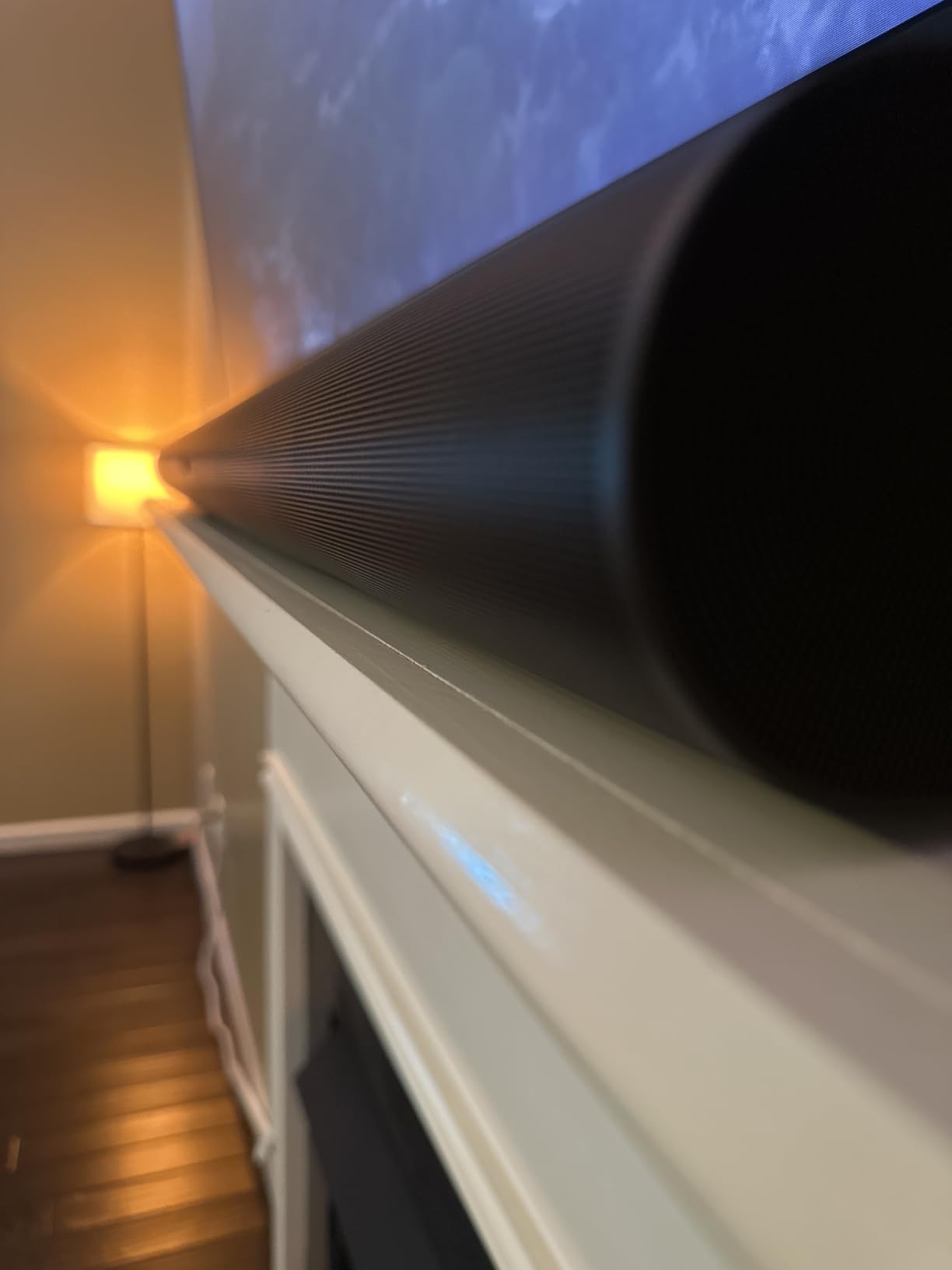
The Arc Ultra is the first system I would recommend for a large room where clean design and simple control matter as much as output. Its 9.1.4 presentation, Sound Motion architecture, upward-firing drivers, and wide cabinet create a convincing front wall of sound, while the AI-powered Speech Enhancement makes quiet conversations easier to place.
I like the one-cable HDMI eARC setup and Trueplay tuning because a large room is rarely acoustically perfect. The soundbar can stand alone, but forum experience and the product design both point to the same conclusion: adding a Sonos Sub and Era 300 surrounds transforms it from a strong soundbar into a much more complete home theater system.

The tradeoff is expansion cost. The bar itself is elegant and can fill a wide seating area without a wall of equipment, but a cathedral ceiling and an open kitchen ask for more acoustic help than a single cabinet can provide. Its music performance is also less commanding than its movie performance unless you add the ecosystem pieces.
For gaming, the low-latency presentation is easy to enjoy, and Wi-Fi, Bluetooth, AirPlay 2, Spotify Connect, Alexa, and app control cover the main streaming paths. I would pair it with a television that supports HDMI eARC and leave a little physical clearance around the cabinet.
For whom it is good
It is a strong fit for a design-conscious living room, an open concept space, and buyers who want one clean soundbar that can grow into a wireless surround system. It is especially good when dialogue clarity and a broad front soundstage matter more than chest-rattling bass from the bar alone.
The Arc Ultra also works well for someone already invested in Sonos multi-room audio. Trueplay and the app make the system approachable, while the black finish and 46.18-inch width suit a large television wall without looking like separate speakers were added as an afterthought.
For whom it is bad
It is not the best value if you want rear speakers and a substantial subwoofer included in one purchase. I would also avoid expecting the standalone version to dominate a very large, acoustically open room with a vaulted ceiling.
People who dislike app-based setup or an account-connected ecosystem may find the process less direct than a traditional AV receiver. The lack of a dedicated remote in the product details is another small irritation for anyone who wants every function on a physical handset.
2. Samsung Q990D — Best for a Complete Surround Package
SAMSUNG Q990D 11.1.4ch Soundbar w/Wireless Dolby Atmos Audio, Rear Speaker Included, Q-Symphony, SpaceFit Sound Pro, Adaptive Sound, Game Mode Pro with Alexa Built-in, HW-Q990D/ZA
11.1.4 Dolby Atmos
Included wireless rears
SpaceFit Sound Pro
Pros
- Full surround kit
- Strong Samsung TV integration
- Game Mode Pro
Cons
- Large and heavy
- Some non-Samsung TV issues
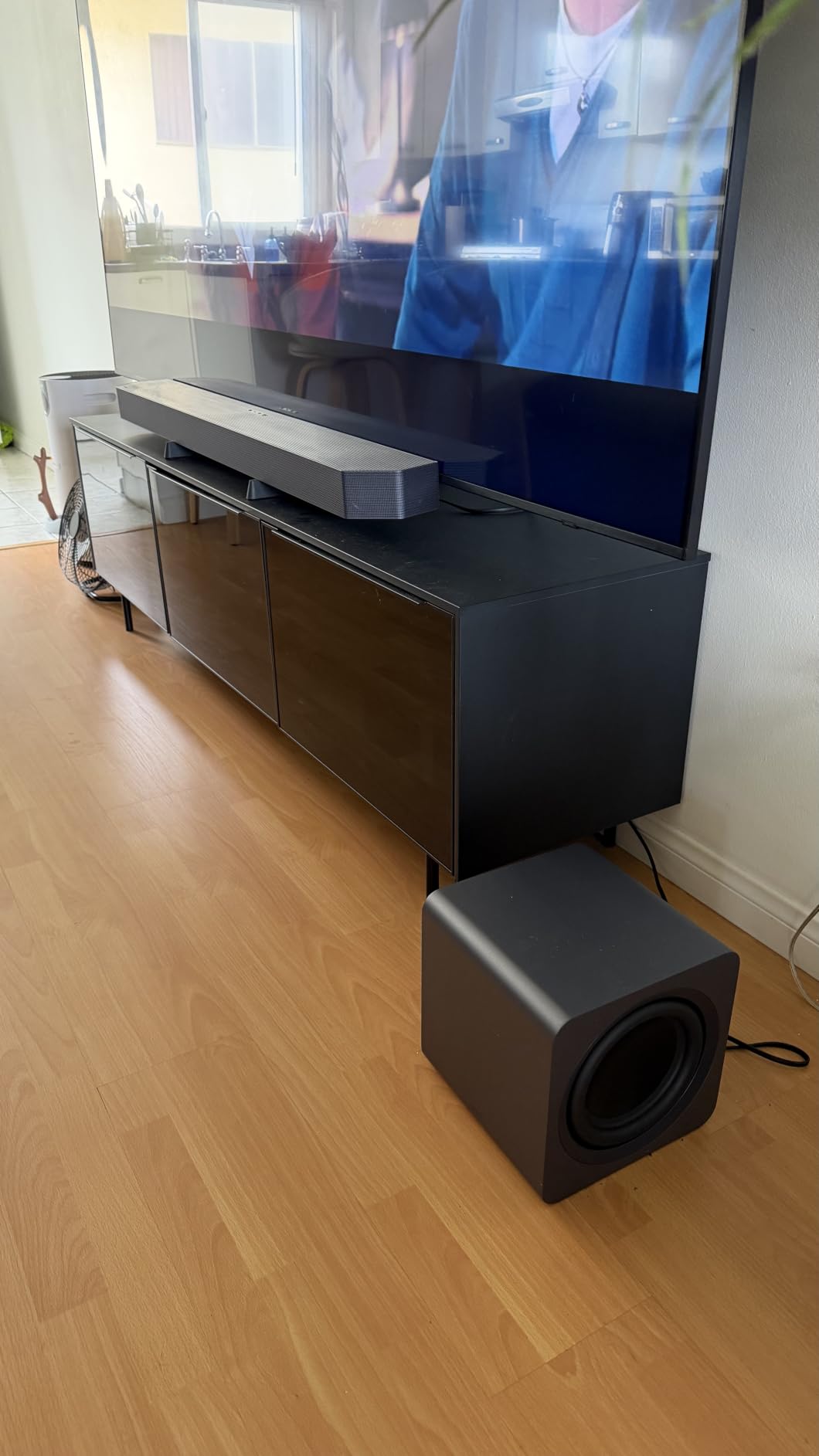
The Q990D is the most straightforward answer when you want a large-room system that arrives with the rear speakers already in the box. Its 11.1.4 layout gives effects behind and above the seating position instead of asking the front bar to fake every channel, which makes a big difference in an open layout.
Q-Symphony is a meaningful advantage with a compatible Samsung TV because the television speakers can join the soundbar rather than simply handing over audio. SpaceFit Sound Pro adds room calibration, and Adaptive Sound changes the presentation for movies, shows, sports, and games.
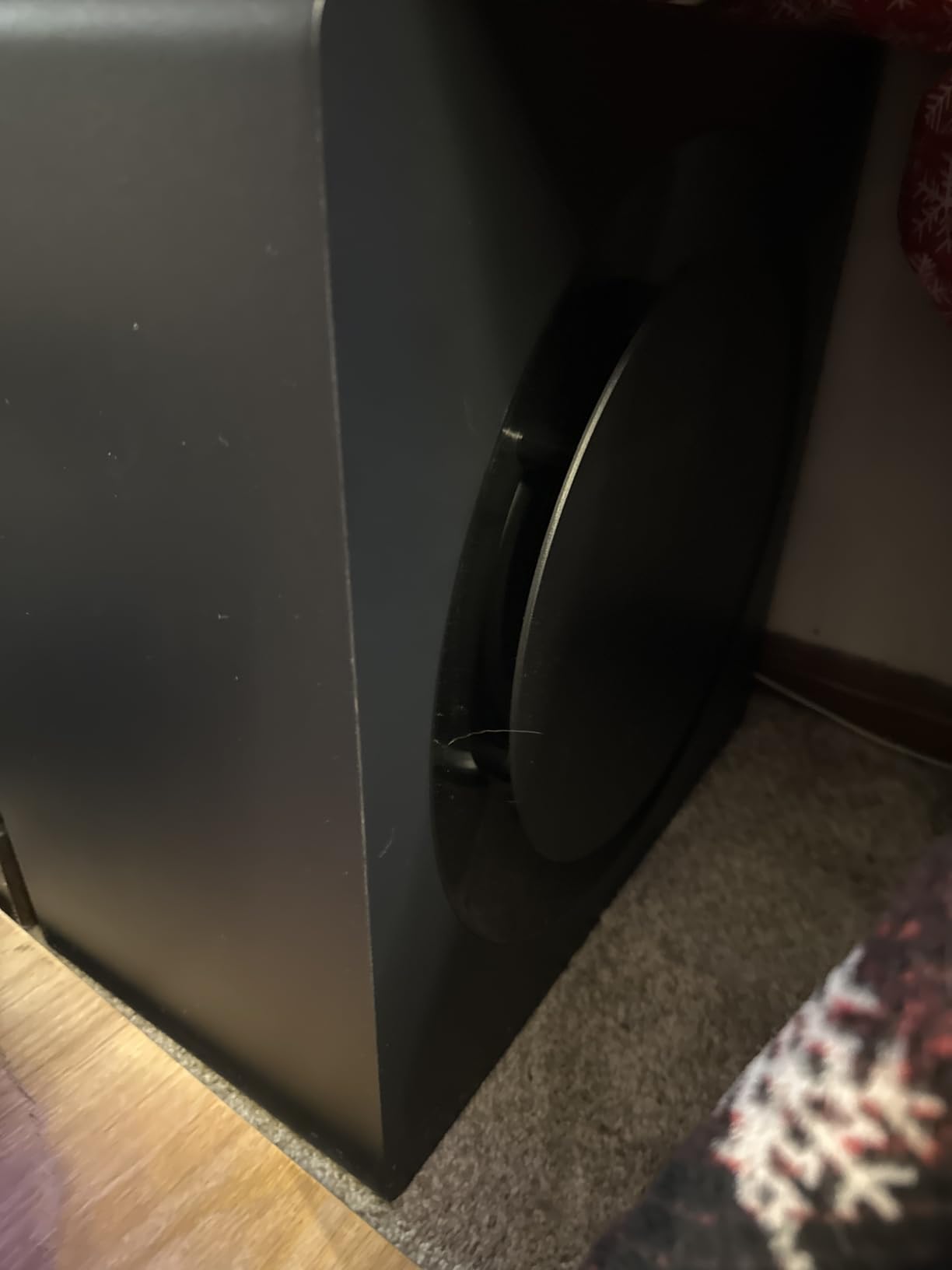
The system is 50.3 pounds and the main bar is 48.5 inches wide, so this is not a discreet setup for a small media console. I would measure the cabinet and plan where the wireless rear speakers will sit before ordering; the included rears are the reason to buy this model, not an optional extra.
Gaming is a genuine strength through Game Mode Pro, and the wireless Dolby Atmos connection helps keep the room free of a second HDMI run. I found the specification set compelling for a large room where the sofa is not against the back wall and surround effects need real distance.
For whom it is good
It suits a Samsung household that wants a full home theater package without buying separates. It also fits buyers who want wireless rear speakers, high channel count, and a subwoofer that can support a large room with less guesswork.
For a 20-by-25-foot open floor plan, the included surrounds are more useful than another small bar with a virtual soundstage. I would favor it when the room can accommodate the physical footprint and the television is compatible with the Samsung feature set.
For whom it is bad
It is a poor match for someone with a small stand, a minimalist room, or a non-Samsung television that has shown CEC or wireless-audio problems. The firmware process may also be more involved than expected.
The product details list limited stock at the time of analysis, so availability is worth checking. It is a large system rather than a simple bar, and buyers should account for placement of the rear speakers and the subwoofer.
3. JBL Bar 1300X — Best for Maximum Movie Impact
JBL Bar 1300X: 11.1.4-Channel soundbar with Detachable Surround Speakers, MultiBeam™, Dolby Atmos® and DTS:X®, Black
1170W system power
12 inch wireless subwoofer
Detachable surrounds
Pros
- Very powerful bass
- True Atmos and DTS:X
- Flexible wireless surrounds
Cons
- Aggressive dynamics
- Large premium system
The Bar 1300X is built for the moment when you want the room to feel like part of the action. Its 1170-watt system, 12-inch wireless subwoofer, 11.1.4 channels, Dolby Atmos, DTS:X, and MultiBeam processing give it more raw hardware for a large room than most bars in this group.
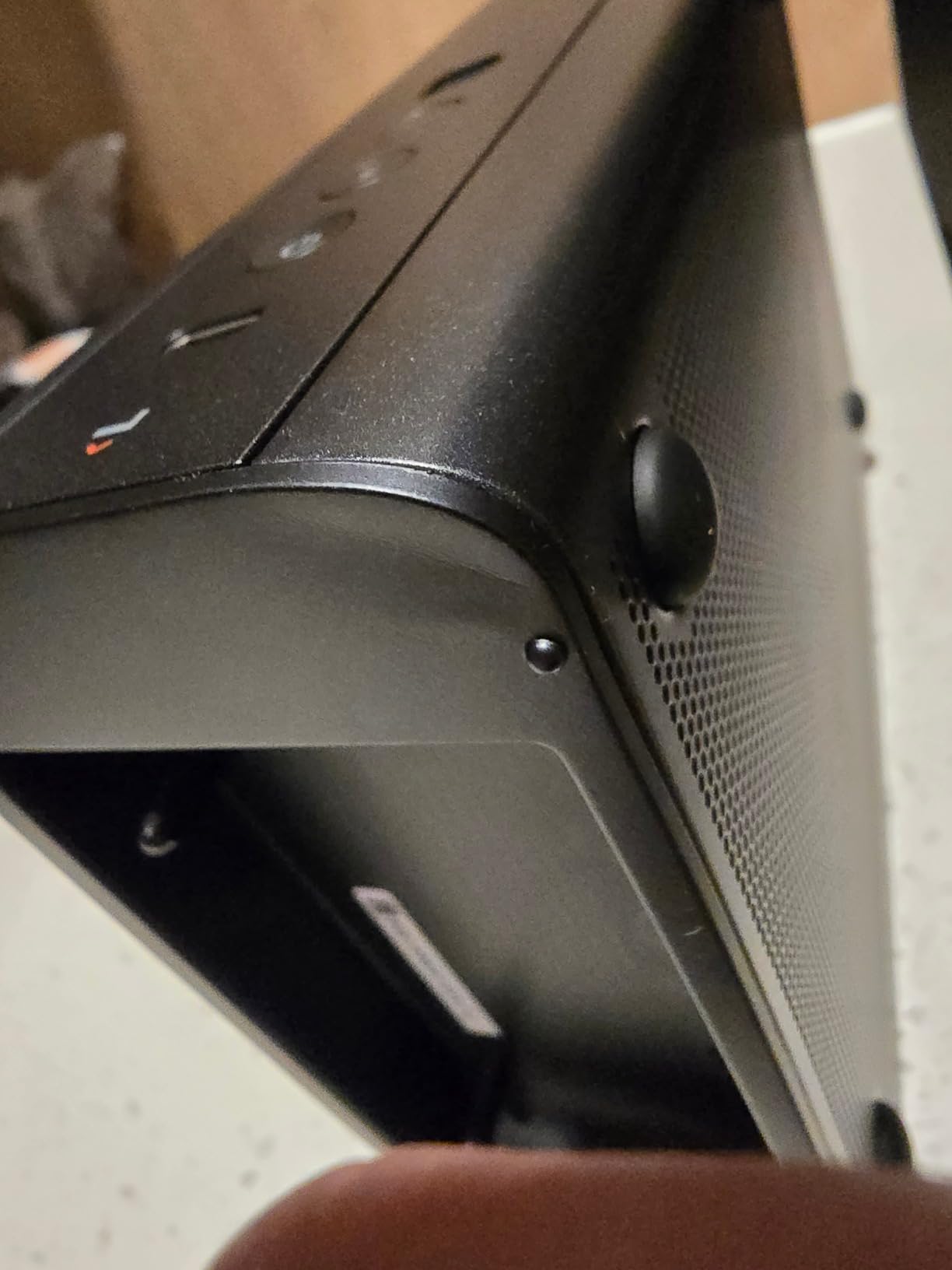
The detachable battery-powered surrounds are the feature I would show a friend first. You can place them behind the sofa when watching a film, then remove them for charging or a less cluttered living room. That flexibility is more useful in an open concept house than a fixed virtual surround mode.
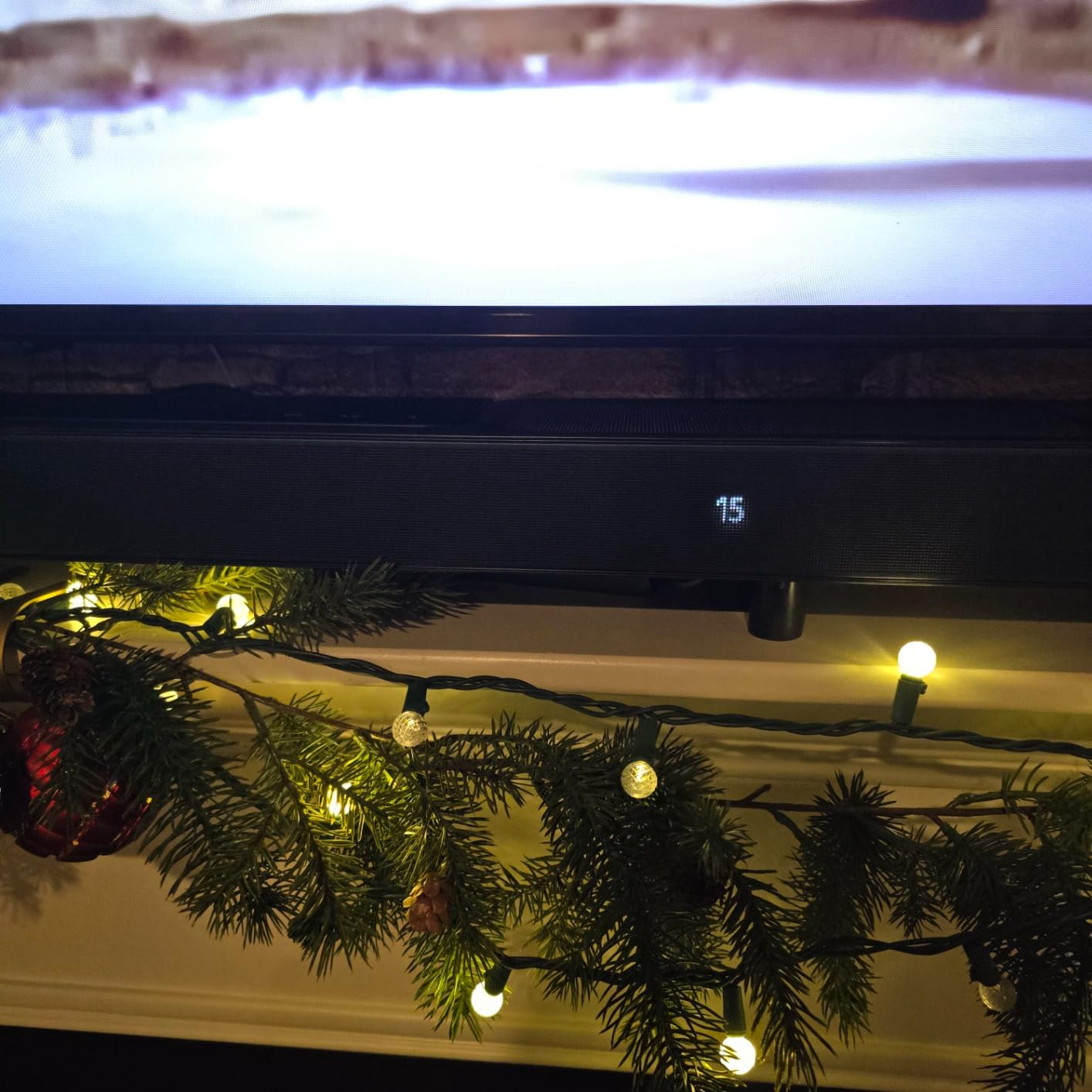
With that power comes a less forgiving presentation. Review insights flag aggressive dynamic range, and the 59-pound total system weight makes this a serious installation. I would start with moderate subwoofer and surround levels, then raise them after a week of normal viewing.
Wi-Fi, AirPlay, Alexa MRM, Chromecast, Bluetooth, PureVoice dialogue enhancement, and a remote cover the basics. The bar is 39.4 inches wide, while the 12-inch sub handles the low-frequency work that small all-in-one systems leave behind.
For whom it is good
It is best for a dedicated media room, a large basement, or a living room where movies and bass are the priority. If you have space for the sub and detachable rears, the system can create a genuinely immersive presentation without a receiver.
I would also recommend it to a gamer who wants a forceful soundstage and does not mind adjusting the levels. The wireless rears reduce setup clutter, and the DTS:X support gives a reason to look beyond Atmos-only content.
For whom it is bad
It is not the calmest choice for a bright apartment, late-night TV, or listeners who prefer a restrained sound signature. The product data specifically notes that dynamic range can be too aggressive for some content.
It is also a poor fit if you have limited floor space or a narrow console. The premium price and physical size are justified by the hardware, but they should be part of the decision rather than an afterthought.
4. JBL Bar 700MK2 — Best Midrange Flexible System
JBL Bar 700MK2 Soundbar with Subwoofer, Dolby Atmos Surround – Black
7.1 surround
780W power
Detachable wireless surrounds
Pros
- Flexible rear speakers
- Good dialogue clarity
- Easy streaming
Cons
- Rear output can run low
- Bass needs balancing
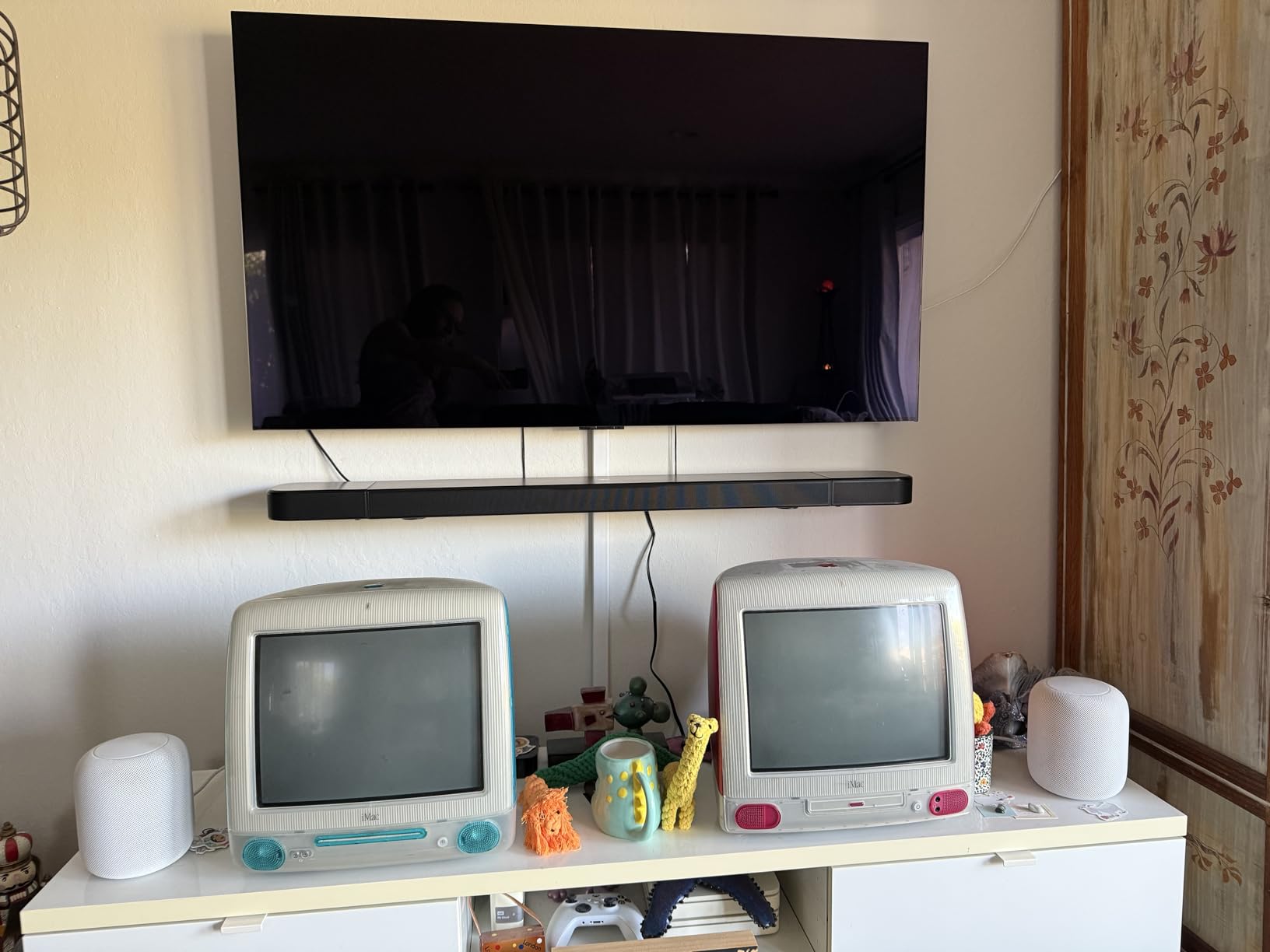
The Bar 700MK2 makes a sensible middle ground. It uses a 7.1-channel layout, a 10-inch wireless subwoofer, Dolby Atmos, DTS Virtual:X, MultiBeam 3.0, and PureVoice 2.0 to cover the main reasons people upgrade from TV speakers in a large room.
Its 32-pound system weight is much easier to accommodate than the 59-pound JBL 1300X, and the detachable wireless surrounds can move from charging stands to behind the sofa when needed. I would still measure the listening distance because some reviewers found the rear volume too low in larger spaces.
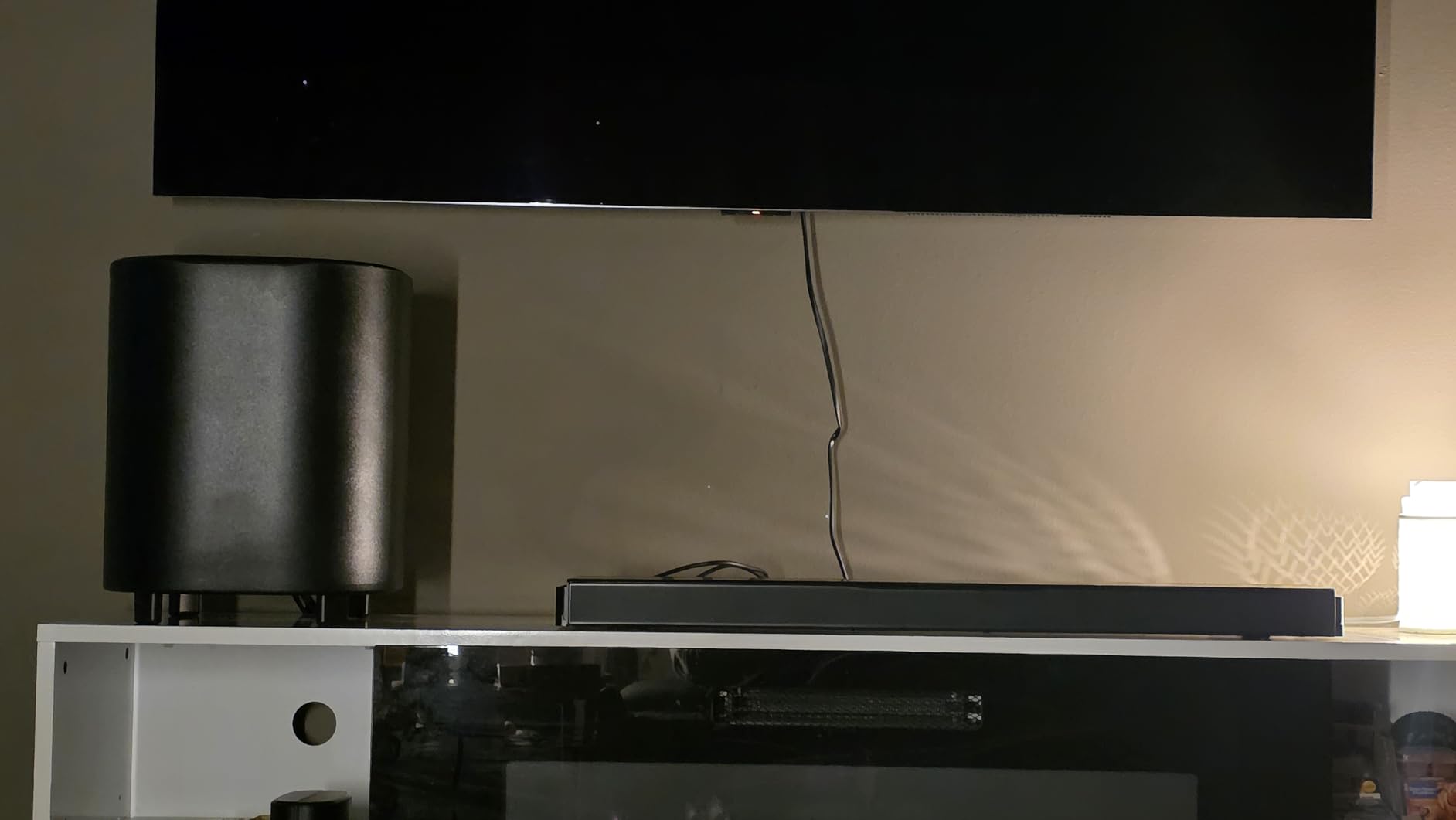
The subwoofer is a good starting point, not a universal answer. BassAdjust-style control is not listed for this model, so I would use the included controls carefully and experiment with corner placement rather than assuming the first position is best.
Wi-Fi, Bluetooth, AirPlay, app control, and HDMI make it friendly to a modern television. At 45.8 inches wide, it looks balanced under a large TV but needs a surface that can support it securely.
For whom it is good
It fits a buyer who wants Atmos and physical surrounds but does not need the largest possible system. It is a strong option for a large living room where dialogue, streaming flexibility, and manageable weight matter.
I would choose it for someone who values detachable rears and straightforward setup. The 7.1 arrangement is enough to make movies more involving without turning the room into a dedicated theater.
For whom it is bad
It may disappoint in a very open room with high ceilings if the rears cannot be placed close enough to the listener. The surround effect is not rated as strong by every reviewer in the research set.
It is also not the right pick for someone who wants maximum low-end authority. Adding a second sub is not listed as a feature, so a buyer needing serious bass should consider a model designed around a larger subwoofer or dual subs.
5. Klipsch Flexus CORE 300 — Best for Room Correction and Music
Klipsch Flexus CORE 300 5.1.2 Channel Powered by Onkyo Bluetooth Sound Bar with Dirac Live Room Correction, Dolby Atmos and Custom Tuned Bass – Walnut Without Wall Mount
5.1.2 Dolby Atmos
Dirac Live correction
RCA subwoofer output
Pros
- Excellent room correction
- Clear highs
- External subwoofer support
Cons
- Built-in bass is limited
- App can be inconsistent
The Flexus CORE 300 stands out for Dirac Live room correction, a feature that can matter more than a larger number printed in a channel label. In a room with hard floors, a vaulted ceiling, or an irregular open floor plan, correction helps the system account for the space instead of sending the same unadjusted sound everywhere.
Its 5.1.2 Dolby Atmos layout uses two elevation speakers and two side-firing speakers, while four built-in 4-inch subwoofer drivers provide a foundation. The RCA subwoofer output is important: the research summary says most users will want an external sub for the full experience.
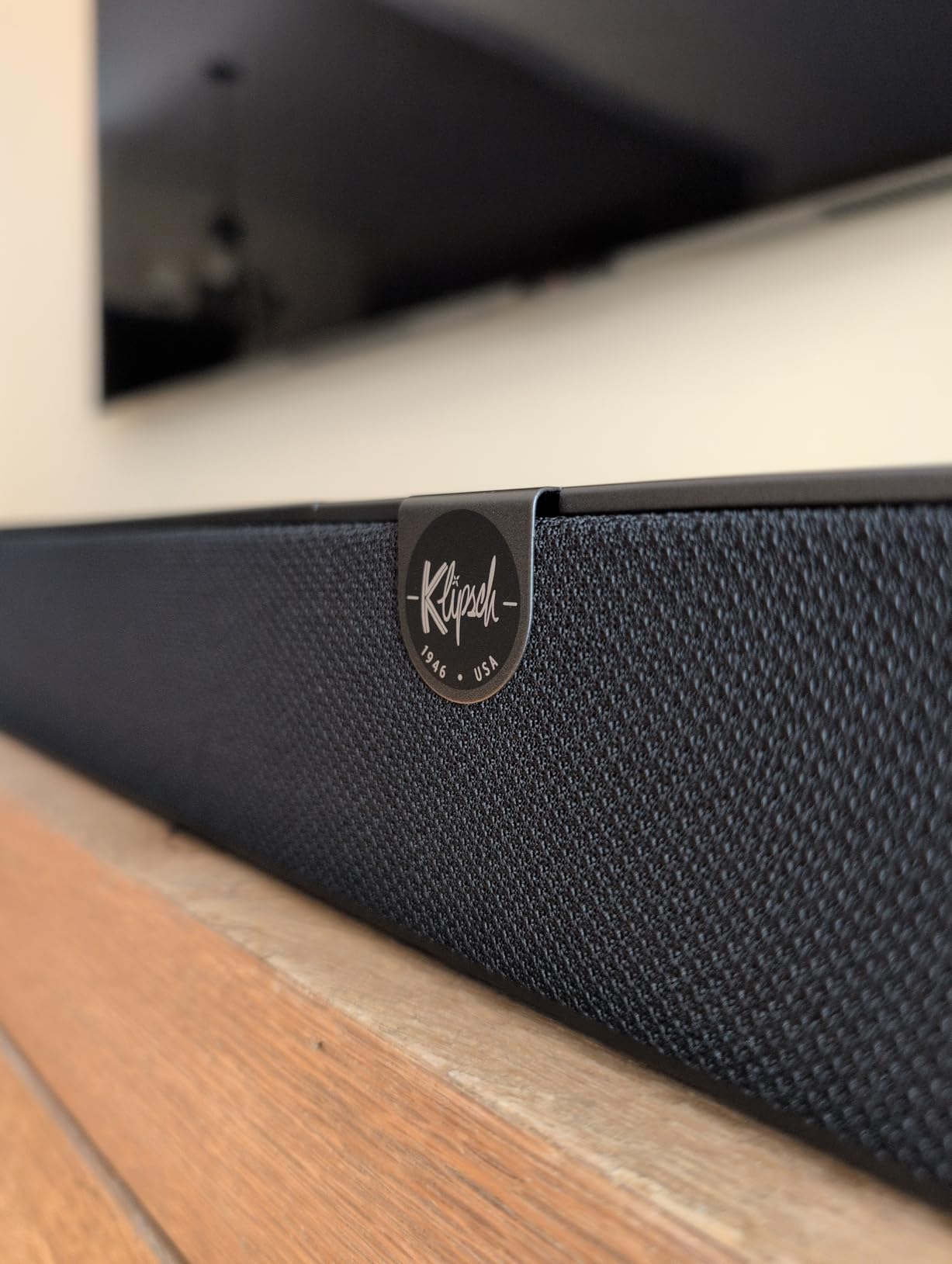
I would pair it with a capable external subwoofer and use the app for setup, but I would not let a temporary app connection problem define the product. Klipsch and Onkyo tuning gives music and movies a lively, detailed presentation, and the 54-inch walnut finish looks less appliance-like than many black bars.
The system connects through Bluetooth, and the listed control method is app-based. Before buying, I would confirm that the television and desired subwoofer placement fit the room; the large width helps stereo imaging, but it is not an excuse to place the bar in a cabinet.

For whom it is good
It is ideal for an audiophile who wants calibration, a music listener who values clear highs, and someone willing to add a subwoofer. It also makes sense when the room’s acoustics are harder than average and a simple setup routine is not enough.
The walnut finish gives it a place in a living room where design matters. I would recommend it to a buyer who already understands external-sub placement and wants more control than a basic all-in-one bar provides.
For whom it is bad
It is not the best plug-and-play choice for someone who wants a powerful subwoofer included. The research explicitly identifies the built-in bass as insufficient for most users.
People who want Wi-Fi streaming or a broad smart-home feature set may be disappointed by the listed Bluetooth-only connectivity. App connection and limited adjustment controls are additional reasons to read the setup expectations before purchase.
6. Bose Smart Ultra — Best for Dialogue in a Large Room
Bose Smart Ultra Dolby Atmos Soundbar, All-in-One Surround Sound System for TV, A.I. Dialogue Mode, Alexa and Google Voice Control, HDMI eARC, Black
Dolby Atmos
AI Dialogue Mode
ADAPTiQ calibration
Pros
- Excellent vocal clarity
- Compact all-in-one form
- Optional wireless expansion
Cons
- Setup needs app and account
- Bass needs help in a big room
The Bose Smart Ultra is the most direct recommendation here for dialogue-heavy viewing. Its A.I. Dialogue Mode, upward-firing dipole speakers, Dolby Atmos, and ADAPTiQ room calibration create a clear, spacious presentation without requiring a separate subwoofer or rear speakers in the initial box.
At 41.14 inches wide and 12.7 pounds, it is easier to place than a full surround system. That makes it attractive for a large, furnished room where the television sits on furniture rather than a dedicated equipment rack.

The trade is bass reach. Bose lists a wireless option for a bass module and rear speakers, but the standalone bar may not satisfy a large open plan with a high ceiling. I would add a bass module if action films and music are important, rather than expecting a compact cabinet to replace a sub.
Setup requires the Bose Music app and an account, followed by ADAPTiQ calibration. The LEDs provide feedback, but the lack of a display can make status checks less clear than a small front screen.

For whom it is good
It suits a buyer who values vocal clarity, simple HDMI eARC connectivity, and a relatively clean installation. It is a good match for TV shows, sports, and streaming dialogue in a large room where voices often get lost.
I would also consider it for a home office or multipurpose living room that needs a capable soundbar without a rack of speakers. Alexa, Google Assistant, Wi-Fi, Bluetooth, AirPlay 2, Chromecast, and SimpleSync add useful flexibility.
For whom it is bad
It is not the right first choice for a buyer who wants room-filling bass from the box. The product data specifically says the bass may be insufficient without an additional subwoofer.
Someone who wants a transparent, display-led setup may dislike the phone app and LED indicators. I would also compare it directly with a system that includes rear speakers if surround effects are a priority.
7. Nakamichi Shockwafe Ultra 9.2.4 — Best for Bass-Heavy Open Spaces
Shockwafe 9.2.4 Dolby Atmos/DTSX Surround Soundbar Sys-Dual 10″ Subs*1300W
9.2.4 surround
Dual 10 inch subs
1300W output
Pros
- Exceptional bass
- Immersive surround
- HDMI eARC pass-through
Cons
- Rear speakers are wired
- No Wi-Fi streaming
The Shockwafe is the most overtly theatrical option in this roundup. Two 10-inch wireless subwoofers, four modular rear speakers, a 45-inch soundbar, and 1300 watts of total power are aimed at filling a large open room with physical impact, not merely improving television dialogue.
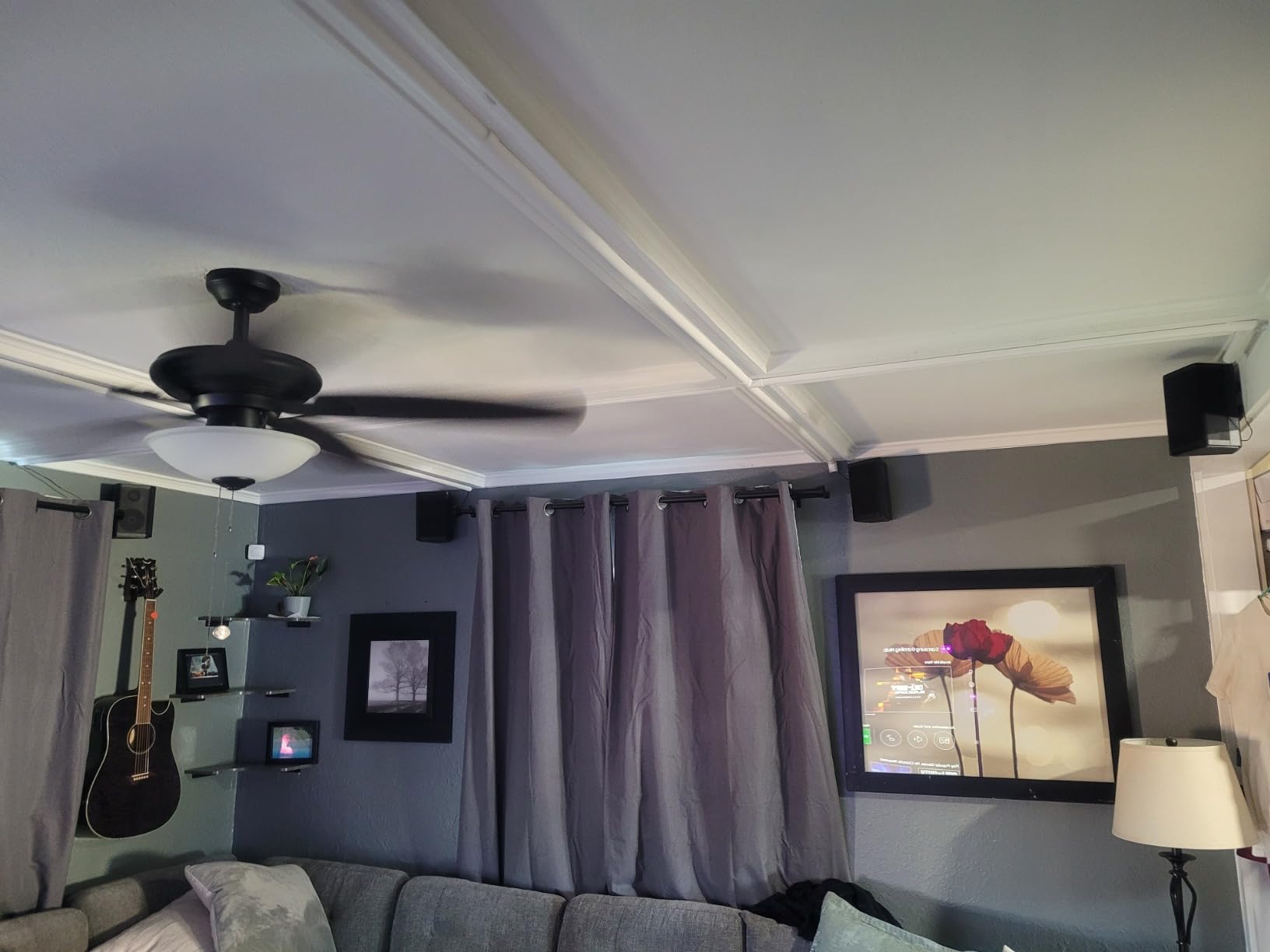
I would use this system in a space where the seating can be arranged around the speakers. The dual subs help distribute bass across a wide area, while the 9.2.4 arrangement gives action scenes a sense of space from the front, sides, and rear.
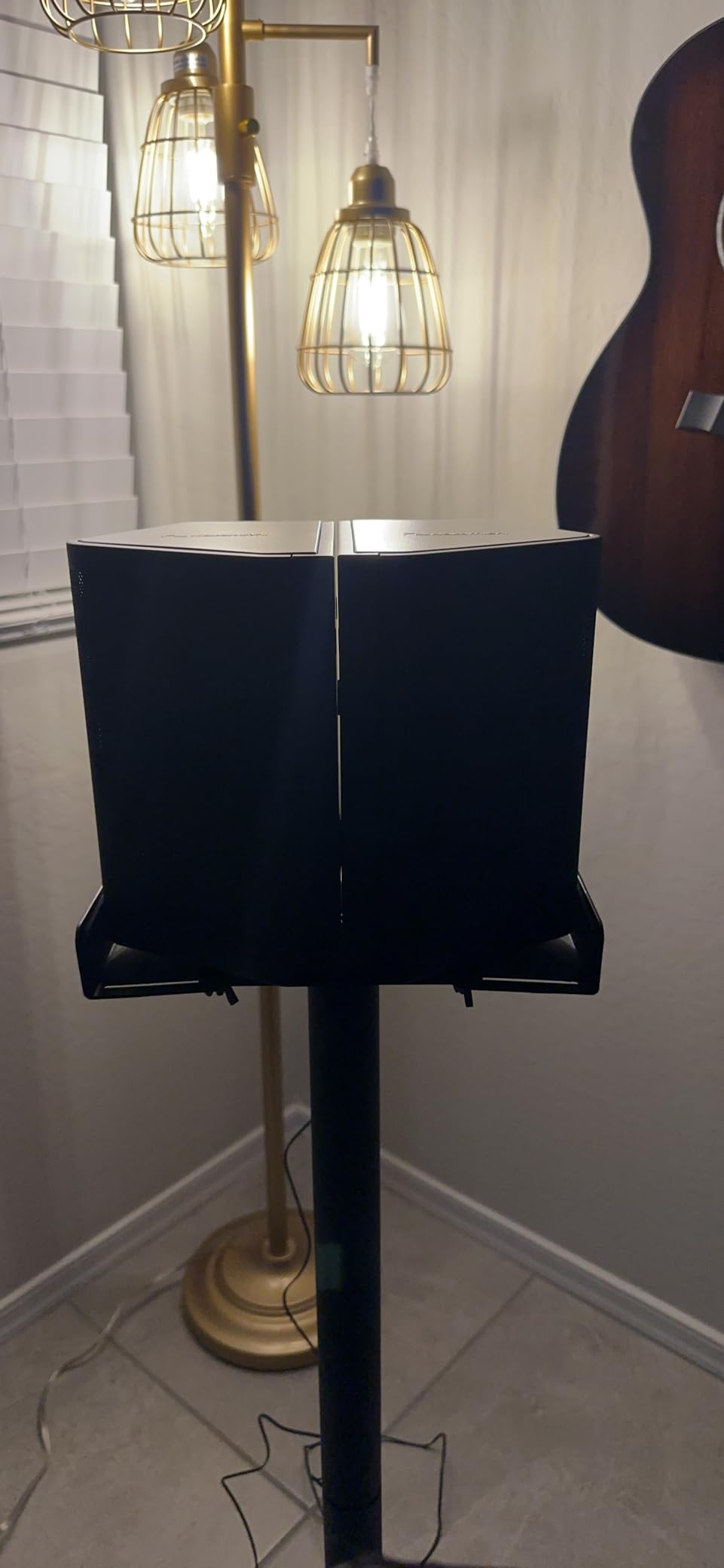
The four side speakers connect by wire to the subwoofers, so installation planning matters. The main system is 80 pounds, and the package is less elegant than a wireless-rear solution, but the research feedback consistently points to room-filling bass and clear dialogue.
HDMI eARC, 4K HDR pass-through, Bluetooth with aptX HD, and SSE MAX processing cover the essentials. There is no Wi-Fi streaming or smart feature, so I would use a television, phone, or external streamer as the source hub.
For whom it is good
It is best for a large open floor plan, a basement theater, or a room where the sofa is several feet from the back wall. The dual subs are a meaningful answer to the common question of whether one subwoofer can cover a large space.
I would recommend it to someone who wants a plug-and-play home cinema feeling and accepts wired rear speakers in exchange for stronger surround placement. The included cables and detailed setup guidance are useful for a careful installation.
For whom it is bad
It is not ideal for renters, minimalists, or anyone who refuses to run speaker wire. The rear speakers make the room layout part of the audio design.
It is also not the best fit for someone who wants Wi-Fi, AirPlay, or voice features in the soundbar. I would choose a wireless ecosystem instead if cable management and multi-room streaming matter more than maximum bass.
8. Polk Audio Signa S4 — Best Affordable Dolby Atmos Option
Polk Audio Signa S4 Dolby Atmos 3D Sound Bar System with 5.9″ Wireless Sub
3.1.2 Dolby Atmos
VoiceAdjust
5.9 inch wireless sub
Pros
- Clear dialogue
- Easy setup
- Strong value
Cons
- Atmos effect is subtle
- No Wi-Fi or rear expansion
The Signa S4 is the practical budget pick for a large room when you want better dialogue and a real subwoofer without buying a premium surround package. Its 3.1.2 Dolby Atmos layout, up-firing height speakers, dedicated center channel, and VoiceAdjust processing cover the fundamentals.
At 19 pounds and 41.2 inches wide, it is easy to place and simple to connect through HDMI eARC. The product’s 1,427 reviews also give it the largest review base in this comparison, which is useful context when weighing common complaints about subtle height effects.

I would treat it as a strong starter system for a large living room, not a substitute for dedicated rear speakers in a very open plan. The Atmos presentation can be restrained, and there is no Wi-Fi, AirPlay, Chromecast, or path to add rear speakers later.
Bass can be boomy in some rooms, so I would place the sub away from corners and reduce it for music or late-night viewing. Movie, music, and night modes make those adjustments easy through the remote.

For whom it is good
It suits a buyer who wants clear dialogue, easy setup, and a meaningful upgrade over TV speakers. It is a particularly good fit for a large room where the sofa is near the front wall and physical surrounds are not practical.
I would choose it for a family room, apartment, or first soundbar purchase. HDMI-CEC lets the television remote control basic functions, and the compact sub is easier to move than the larger systems above.
For whom it is bad
It is not for a buyer who wants dramatic overhead effects or true rear-channel growth. The research summary specifically calls the Atmos effect subtle rather than dramatic.
If you have a vaulted ceiling, an open kitchen, or a listening position well away from the soundbar, I would move up to a system with more channels, larger subs, or wireless rears. The lack of smart streaming is another clear limitation.
Buying Guide for Large-Room Soundbars
Start with room volume, ceiling height, and seating distance
The best soundbar for a large room depends on how much air the sound must move. Measure the room, note the ceiling height, and find the normal seating distance from the television. A 20-by-25-foot open floor plan with a cathedral ceiling is a different job from a large rectangular room with an eight-foot ceiling.
For a very open layout, I prioritize physical rear speakers and bass coverage over a small increase in front-channel count. High ceilings can disperse upward effects, so upward-firing drivers alone may not create the same impression they create in a lower, more reflective room.
Choose channels for the kind of space you have
A 2.1 or 3.1 system can work when the main goal is clearer dialogue and stronger bass, but it cannot create a physical rear soundstage. A 5.1, 7.1, 9.1.4, or 9.2.4 system has more opportunity to place effects around the listener.
More channels do not automatically mean better sound. A well-placed 3.1.2 bar with good calibration can beat a poorly positioned premium system, while a large room may need the extra headroom and speaker count of a 9.1.4 or 9.2.4 package.
Do not underestimate the subwoofer
One subwoofer can improve a large room, but two subs often make bass more even across multiple seats. The Nakamichi Shockwafe’s dual 10-inch design directly addresses that problem, and forum users repeatedly ask about dual subwoofers when discussing open floor plans.
Start with the manufacturer’s placement guidance, then test near a side wall or behind the sofa rather than assuming the corner is always best. Bass that sounds exciting from one chair can become boomy or weak from another.
Use Atmos and DTS:X for height, not as a substitute for coverage
Dolby Atmos and DTS:X can add overhead cues and a stronger sense of space when the source, television, and soundbar all support the format. They cannot make a small cabinet behave like a full speaker system, and ceiling height can change how convincing those effects feel.
For a large room, combine a good spatial-audio bar with real rear speakers when possible. The Samsung Q990D and JBL Bar 1300X are strong examples because their physical surrounds give the overhead presentation a more complete foundation.
Match connectivity to your television
HDMI eARC is the simplest high-bandwidth connection for Dolby Atmos and other formats, provided the television supports it. Optical remains useful for older televisions, while Wi-Fi, AirPlay, Chromecast, Bluetooth, and voice control determine how easily you can stream music.
I would check HDMI-CEC behavior before mounting or hiding a bar. The research flags some non-Samsung television connectivity issues, and a stable handshake is more important than having one more streaming logo on the box.
Place the bar and speakers for the room, not the photo
Keep the front bar centered and clear of cabinet walls, then give rear speakers a real path to the listening area. Avoid placing everything directly against a wall if the room has an open side; the system needs room for the soundstage to develop.
For a high ceiling, I would test the listening position at normal volume and listen for effects that collapse into the front of the room. Small changes to speaker angle, subwoofer location, and calibration can matter more than an extra feature you never use.
Gaming needs low latency and clear separation
Game Mode Pro on the Samsung Q990D is a useful example of a feature designed for a specific use case. Low latency helps dialogue and directional effects stay connected to the action, while rear speakers make footsteps and environmental cues easier to place.
For competitive gaming, I would use the soundbar’s game or direct mode and check that the television’s game mode is active. A soundbar can be cinematic and still feel immediate when the signal path is configured correctly.
My final recommendations
Choose the Sonos Arc Ultra for the best overall balance of sound, design, and expansion. Choose the Samsung Q990D for the strongest all-in-one surround package, and choose the JBL Bar 1300X when maximum movie impact is the priority.
For a large open plan, the Nakamichi Shockwafe is the bass specialist, while the Polk Signa S4 is the sensible starting point. The Klipsch Flexus CORE 300 is my choice when room correction and music matter, and the Bose Smart Ultra is best for dialogue in a simpler setup.
Frequently Asked Questions
What is the best sound system for a large room?
The best sound system for a large room is usually a soundbar package with a dedicated subwoofer and physical rear speakers, because it can distribute sound across more seats and open space. The Samsung Q990D is a strong all-in-one example, while the Nakamichi Shockwafe adds two subwoofers for even bass coverage.
What sound bar has the best sound quality?
The Sonos Arc Ultra is my overall pick for sound quality in this group because its 9.1.4 Dolby Atmos presentation, speech enhancement, and Trueplay tuning create a clear, spacious result. The Klipsch Flexus CORE 300 is the better choice when room correction and music are the priority.
How big should a sound bar be for a 55 inch TV?
A 55-inch TV generally pairs well with a soundbar around 40 to 50 inches wide, as long as the soundbar fits the furniture and does not block the screen. A wider bar can still work, but I would check the room, cabinet, and TV stand before choosing one over 50 inches.
Is a 2.1 or 5.1 sound bar better?
A 5.1 sound bar is better for surround effects because it adds rear or side-channel capability, while a 2.1 system is simpler and may be enough when dialogue and bass are the main needs. In a large or open room, I would choose 5.1 or more when the layout can support physical surrounds.
What is the best soundbar for a large room with high ceilings?
The Nakamichi Shockwafe Ultra 9.2.4 is a strong answer for high ceilings because it combines Dolby Atmos, four surround speakers, and dual 10-inch subwoofers. The Samsung Q990D and JBL Bar 1300X are also compelling when you want an Atmos system with physical rear speakers.
What are common problems with soundbars?
Common soundbar problems include weak bass in open rooms, dialogue that sounds recessed, rear effects that disappear in large spaces, connectivity delays, and sound that changes with room placement. Calibration, proper subwoofer placement, HDMI eARC compatibility, and realistic speaker positioning solve many of these issues.
Conclusion: Choose Coverage Before Features
The best soundbars for large rooms are the ones that cover your actual space without forcing you to sit close to the television. For most buyers, the Sonos Arc Ultra is the best starting point, the Samsung Q990D is the strongest complete package, and the Nakamichi Shockwafe is the choice for bass-heavy open rooms.
Measure your room, check the ceiling and seating distance, then choose a system with enough physical coverage to make the upgrade noticeable from every chair. Once you have the right foundation, the right subwoofer and surrounds will do more for your listening experience than adding another minor streaming feature.
1 thought on “8 Best Soundbars for Large Rooms (September 2026) Expert Reviews”